Cover and mockup generator · MIT
Covers,done.
Generate covers and device mockups for the work you post. 18 tested patterns, every size.
$ npm run cover -- render cover.config.tsEvery cover on this page is Raja's own work. Hire him on Contra
01 · Who it's for
Every post needs a cover and mockups.
For designers and creators who share work on Dribbble, Contra, Behance and X, in portfolios and in pitches.
- 01
Mockups by hand take hours.
Frames, devices, backgrounds and three sizes, rebuilt for every post.
- 02
Mockup kits all look the same.
The same stock devices and scenes on every feed, filled with placeholder content.
- 03
AI tools burn tokens and drift.
Every revision is another prompt. No two results match, and details get invented.
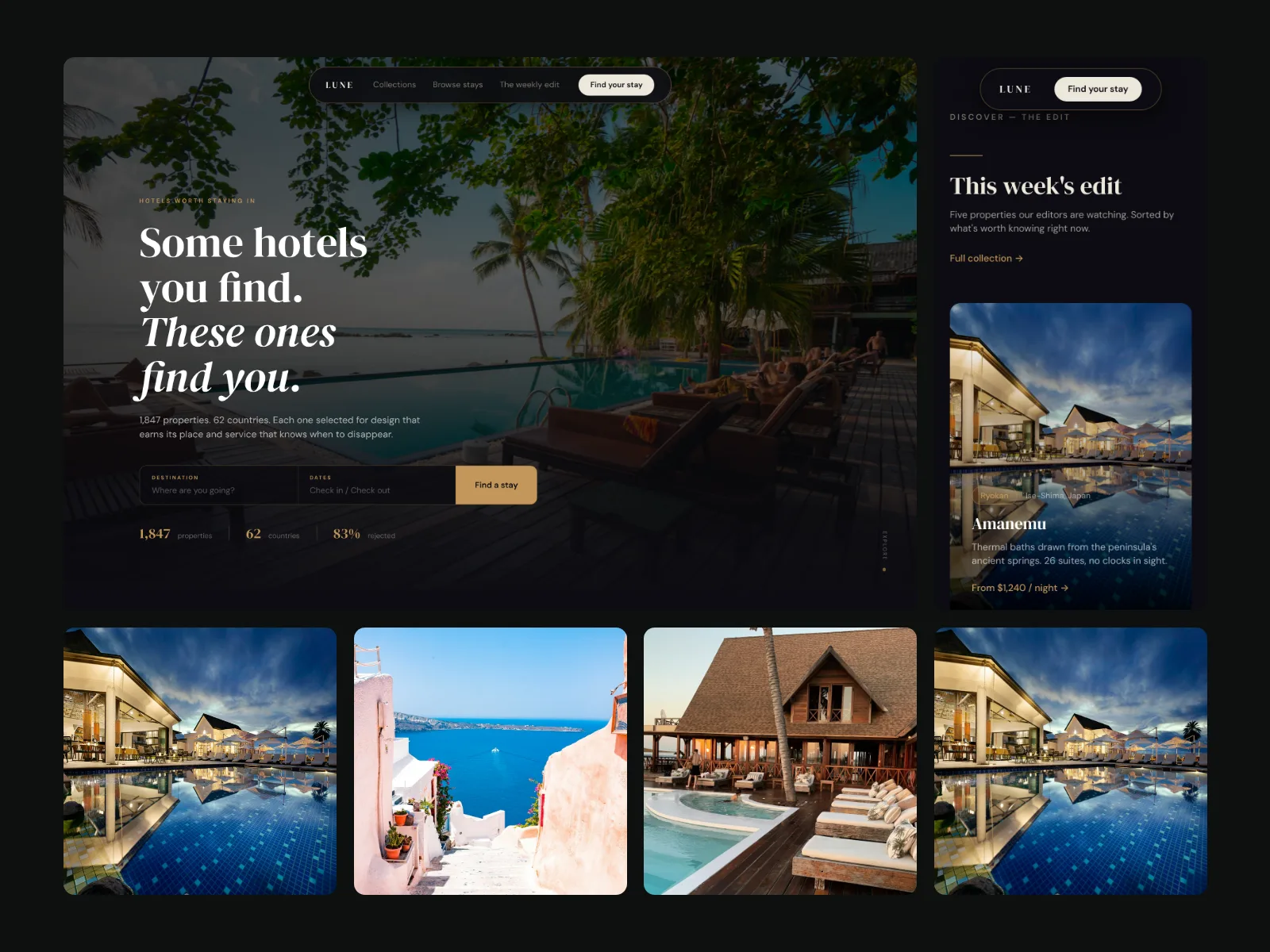
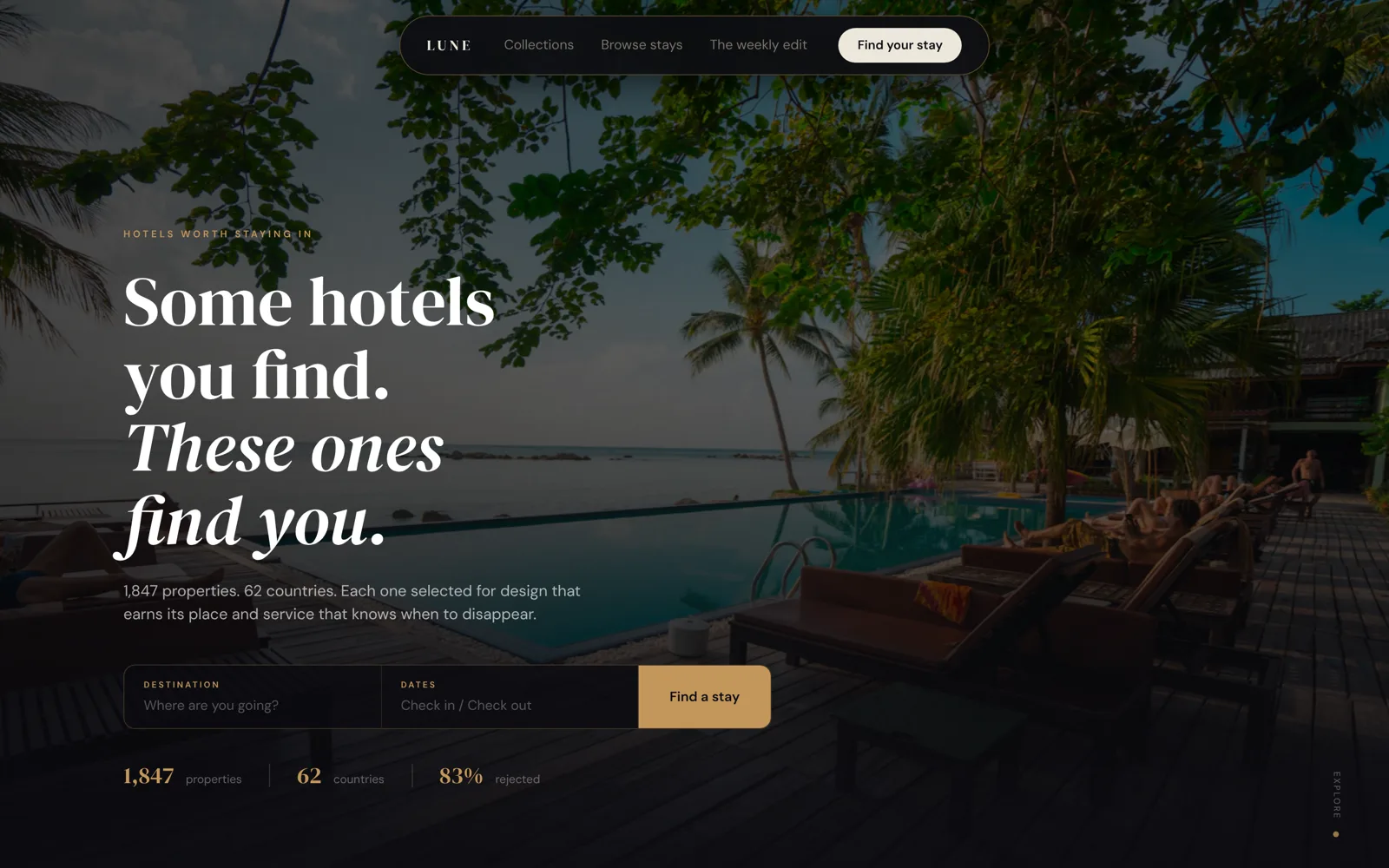
One design, before and after.
Drag the handle. On the left, a raw screenshot. On the right, the same design as a cover.
02 · What it saves
No prompts. No waiting. No bill.
- 0AI tokens per cover
It runs on your machine with no model in the loop. Nothing to prompt, nothing to redo.
- 1Second per cover
The first capture takes 1 to 4 minutes. After that, every pattern and size renders in about a second.
- 0Cost
Free and open source under the MIT licence. No account, no API key, no subscription.
03 · How it works
Capture. Choose. Render.
01 · Capture
It reads your design.
Any page that opens in a browser: a live site, a local build, Framer, Webflow or Figma Sites. It keeps the real screens: desktop, phones, components and your logo.
02 · Choose
One config file sets the look.
Pick the patterns, a ground, a device frame and the phones.
03 · Render
Every pattern you picked, ready to post.
Each one is laid out for its canvas, so nothing is cropped or squeezed.

04 · Patterns
Eight of eighteen.
Each one made from a site designed by Raja.
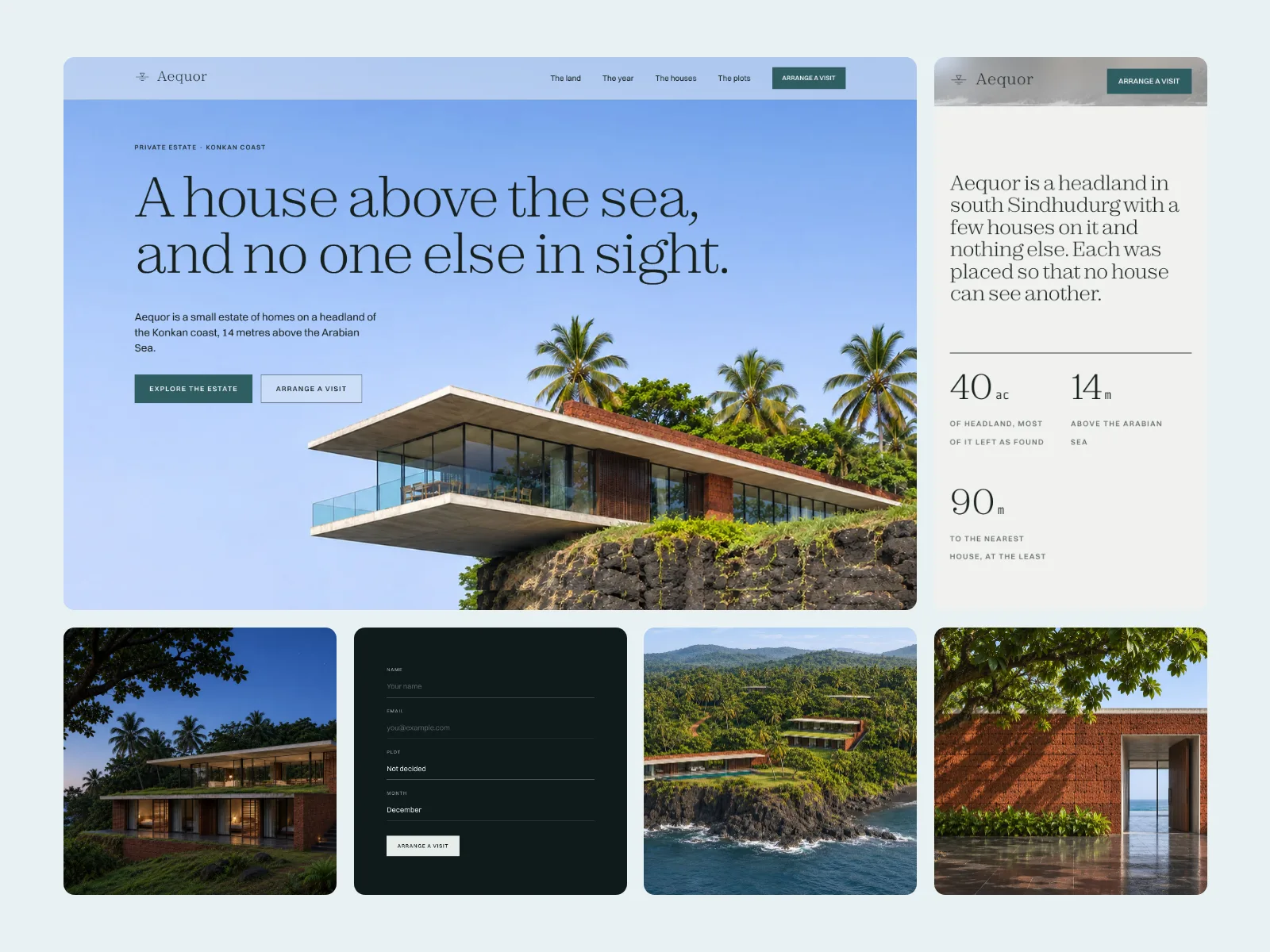
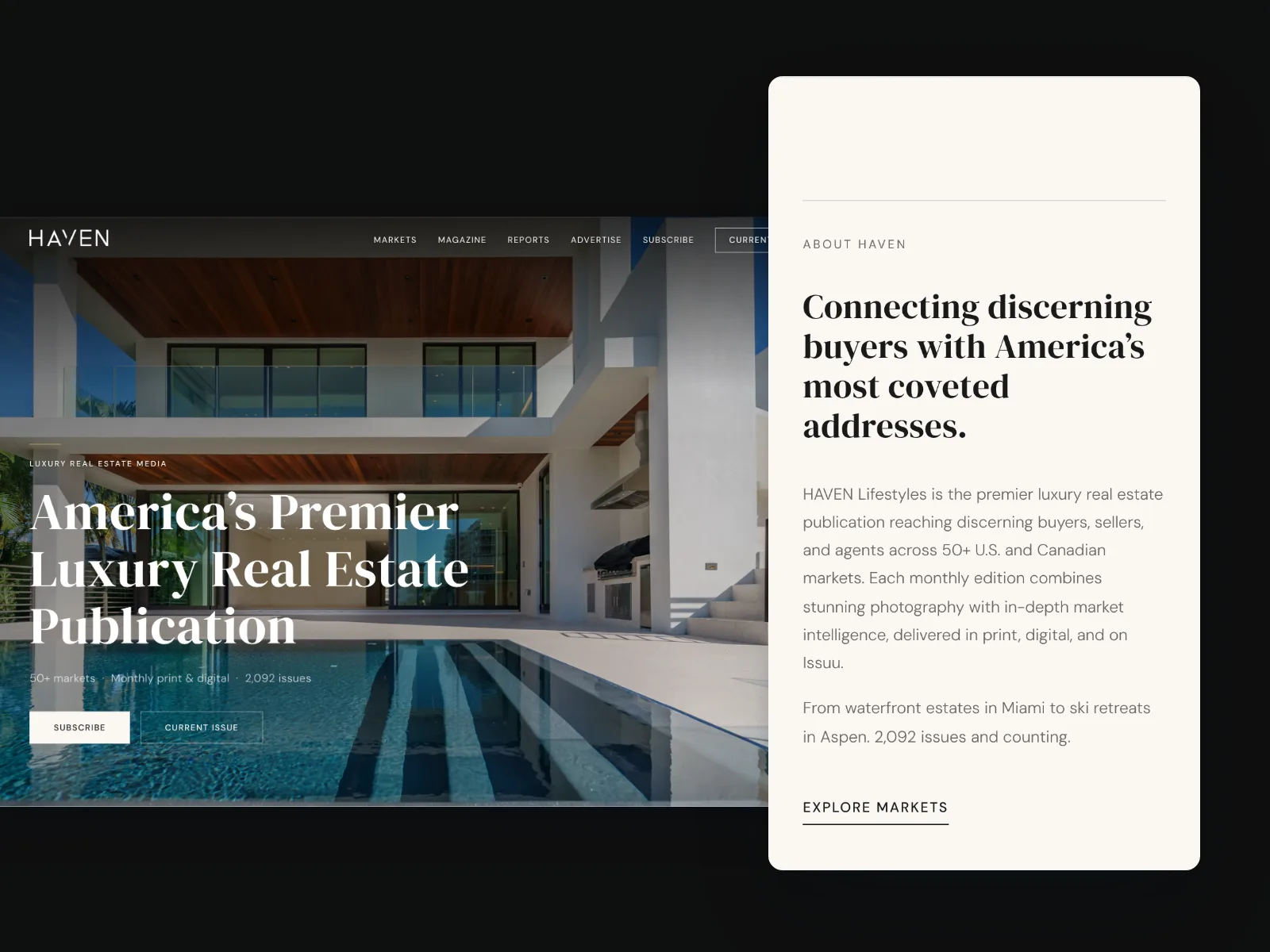
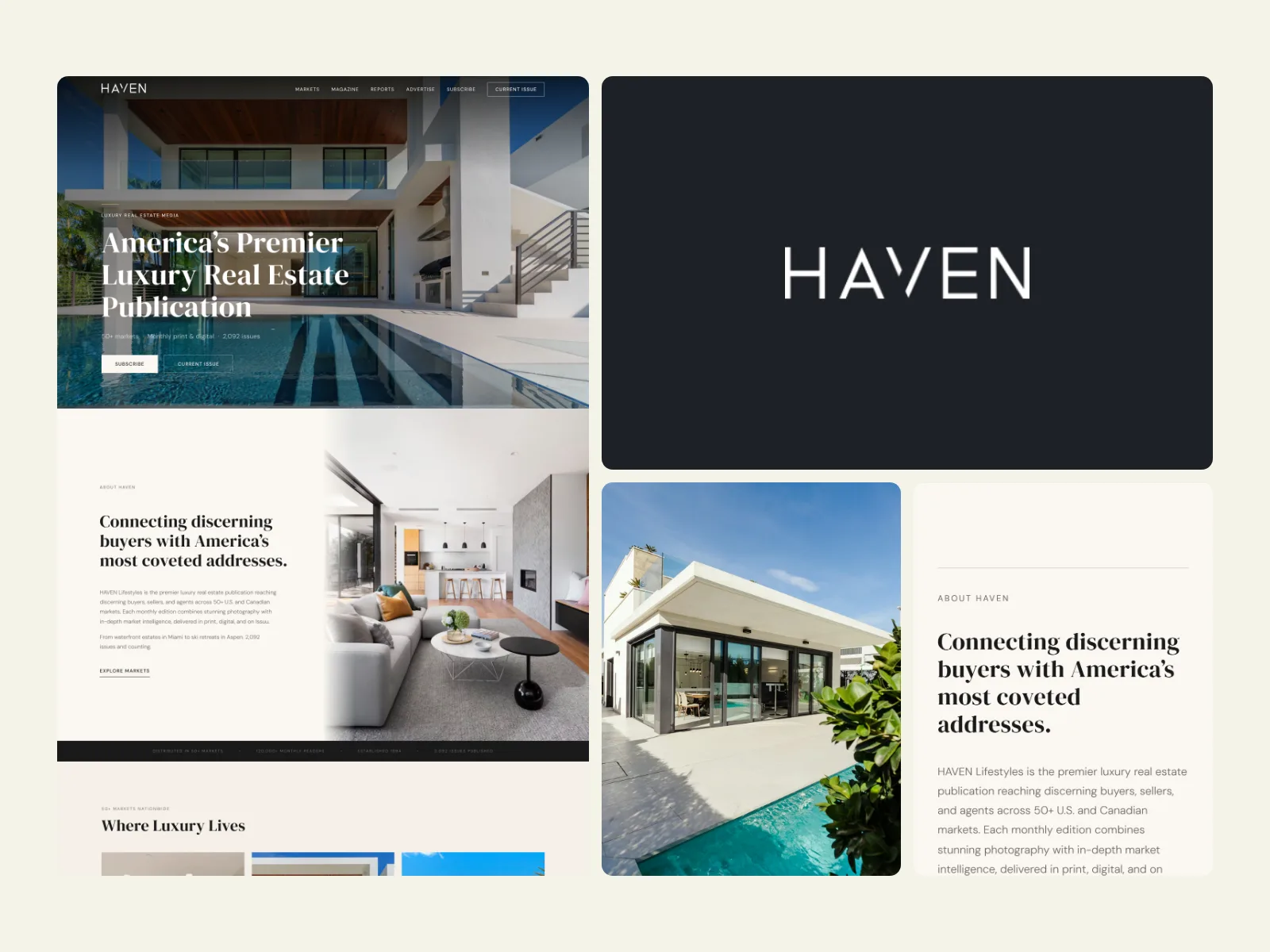
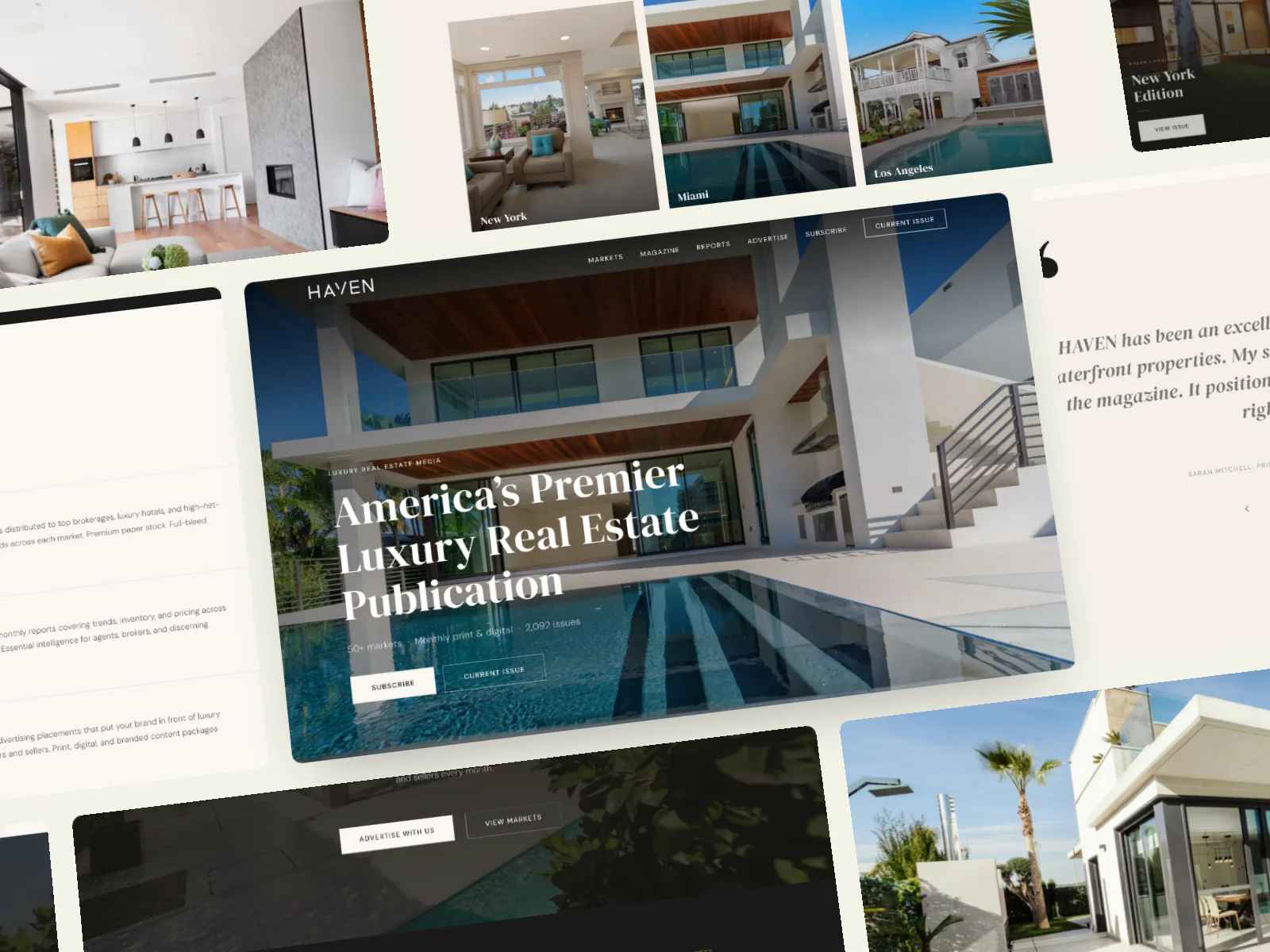
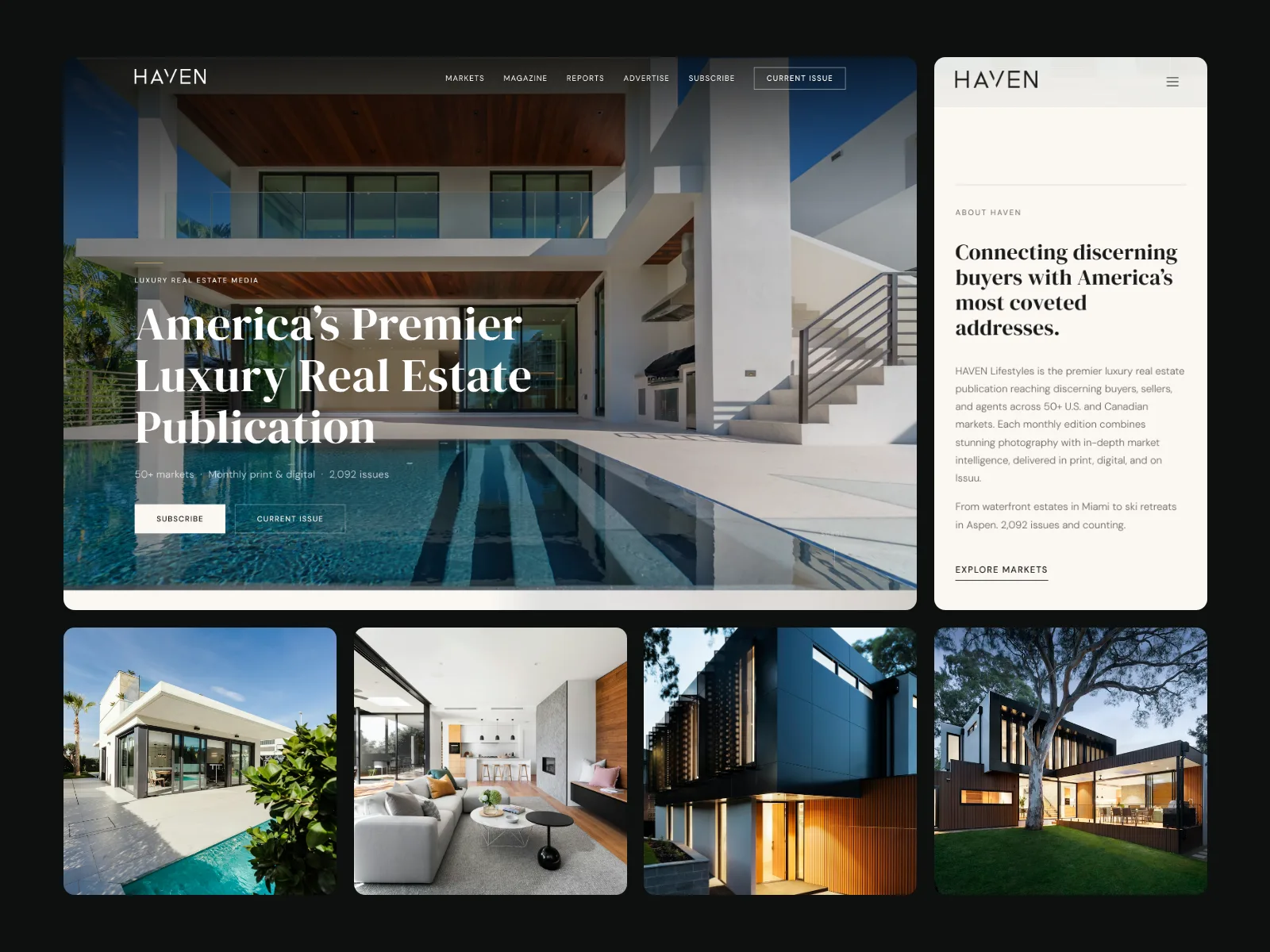 01bentoHaven
Hero, phone, photos and a component on one grid.
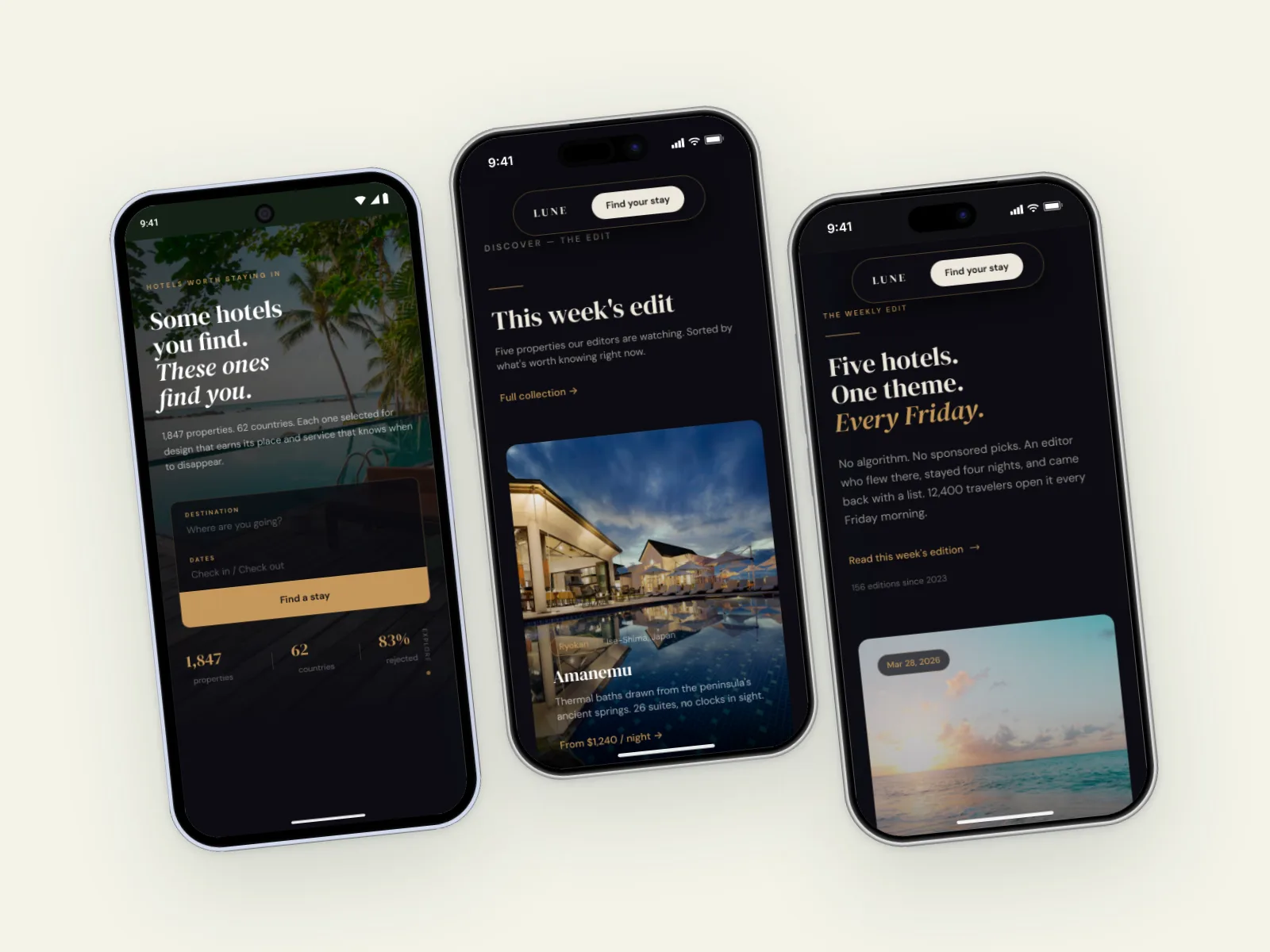
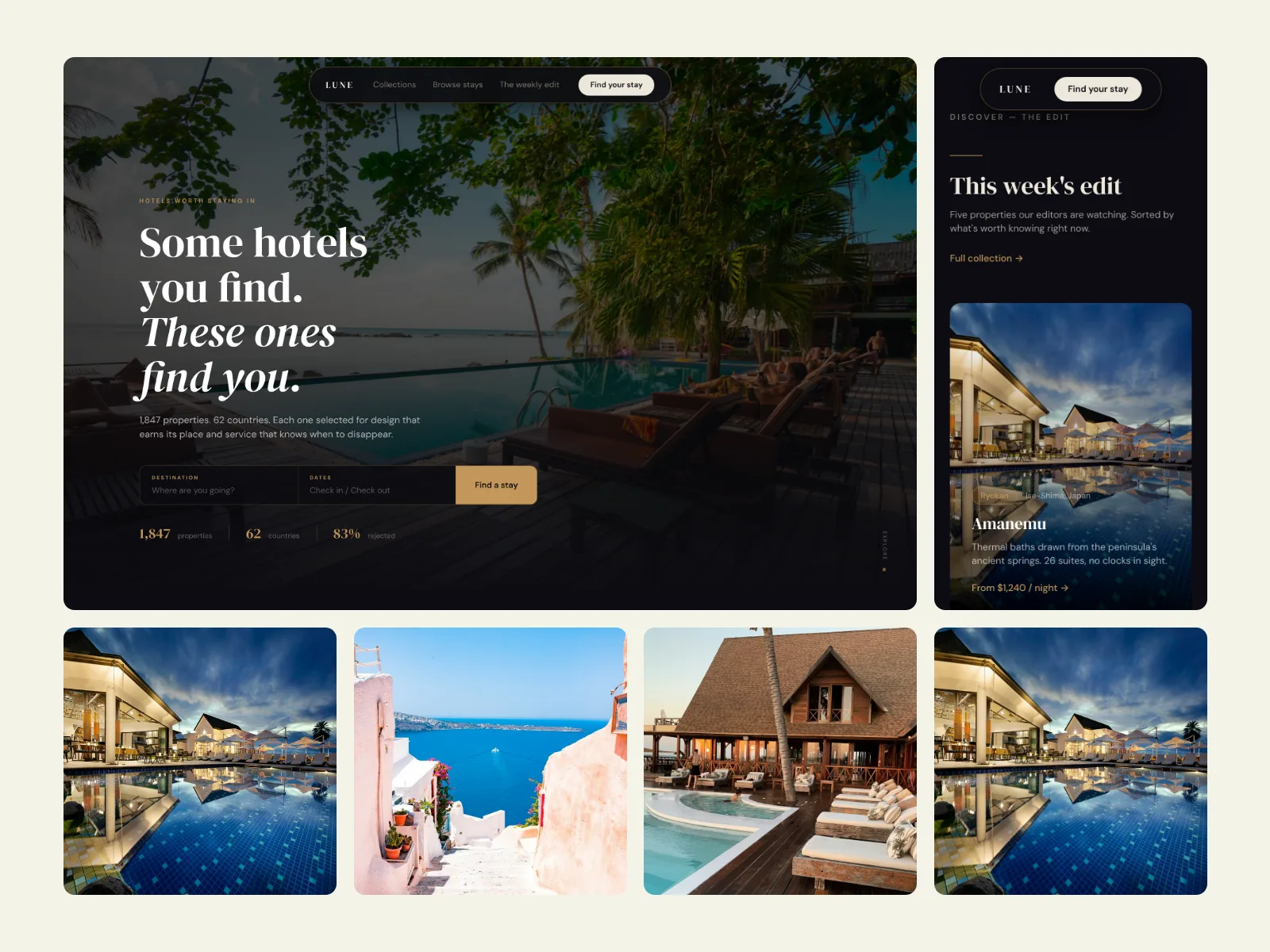
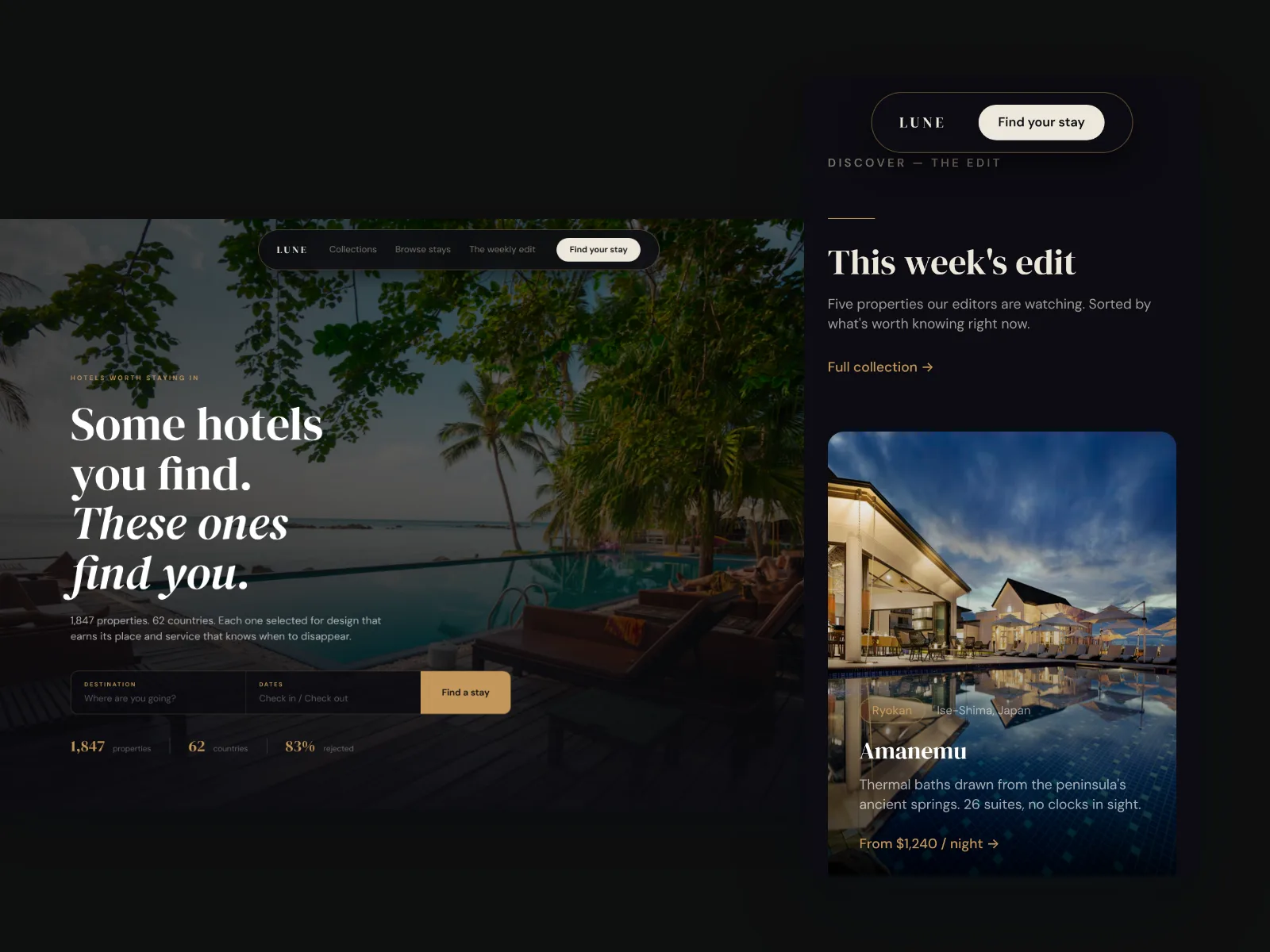 02floatingLune
Phone and desktop as one overlapping group.
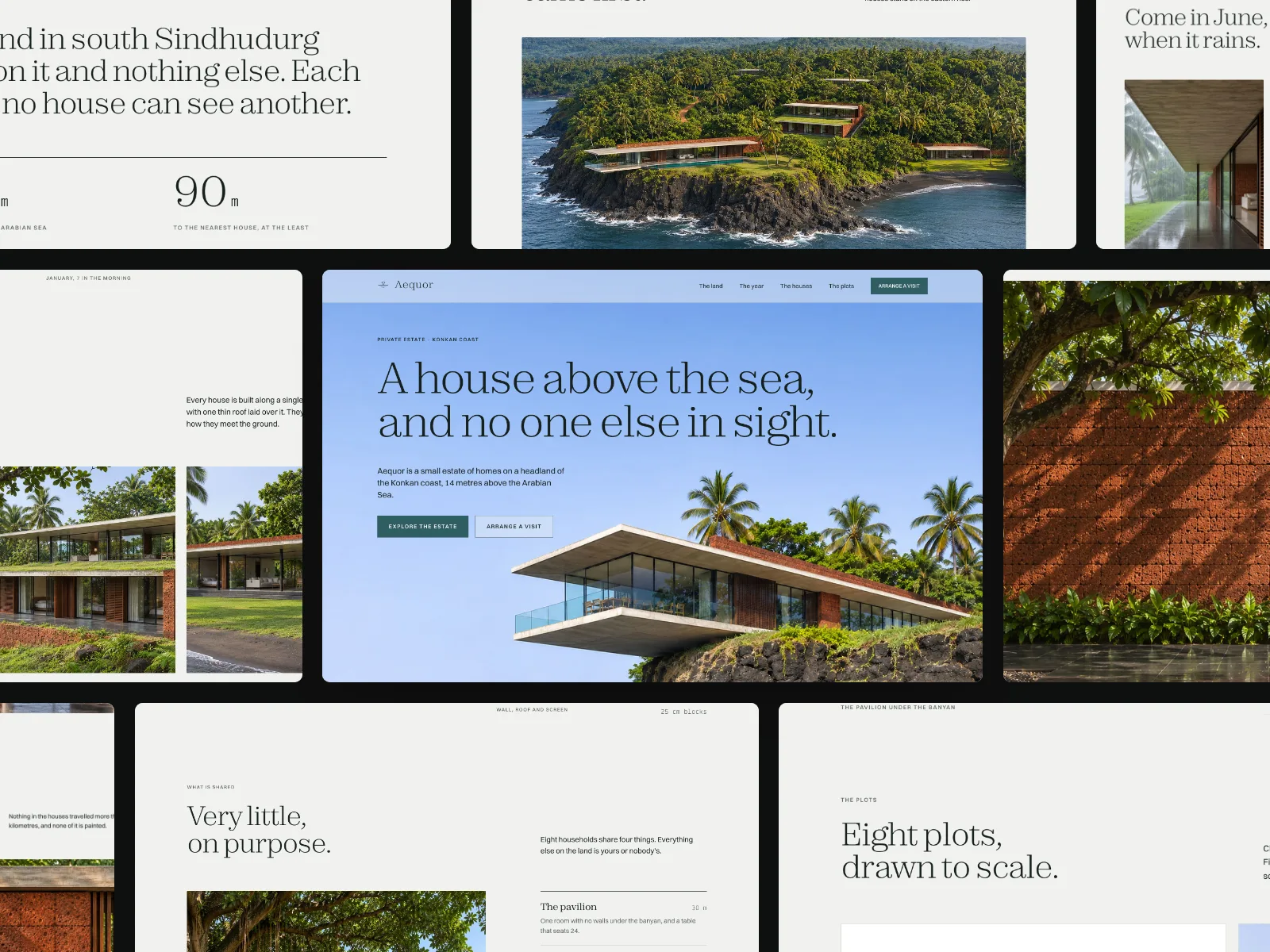
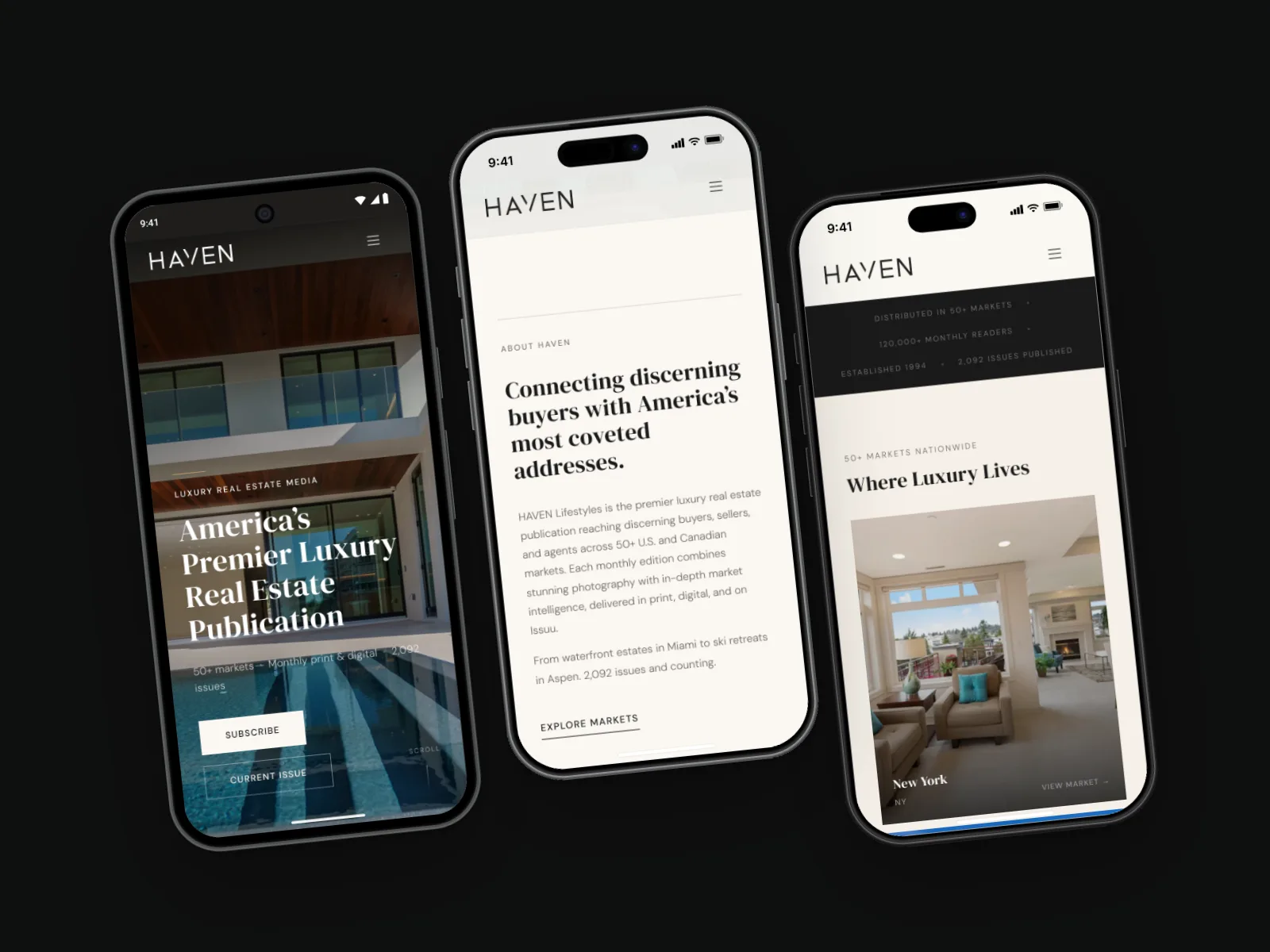
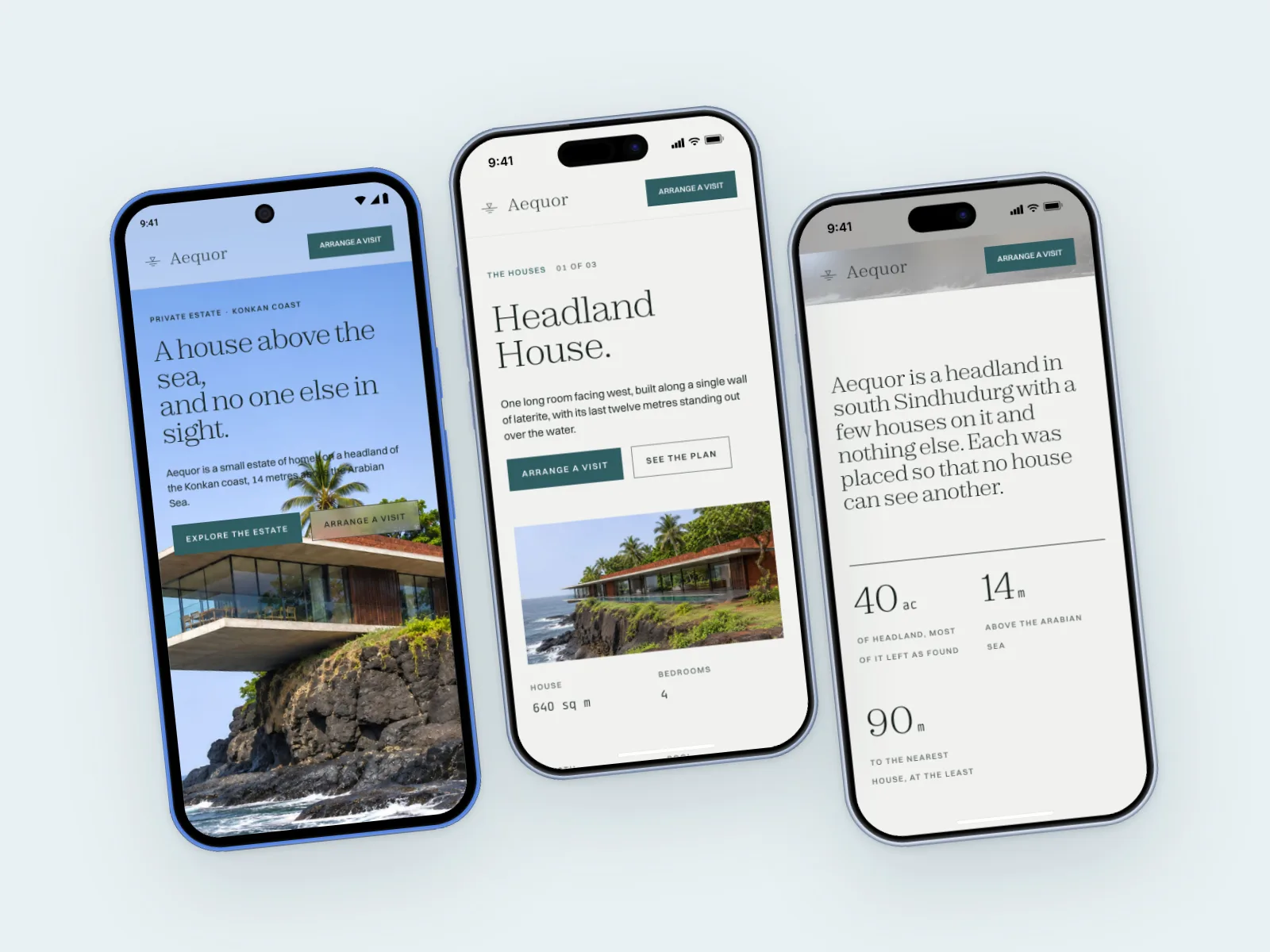 03phone-trioAequor
Three phones, mixed models, real system UI.
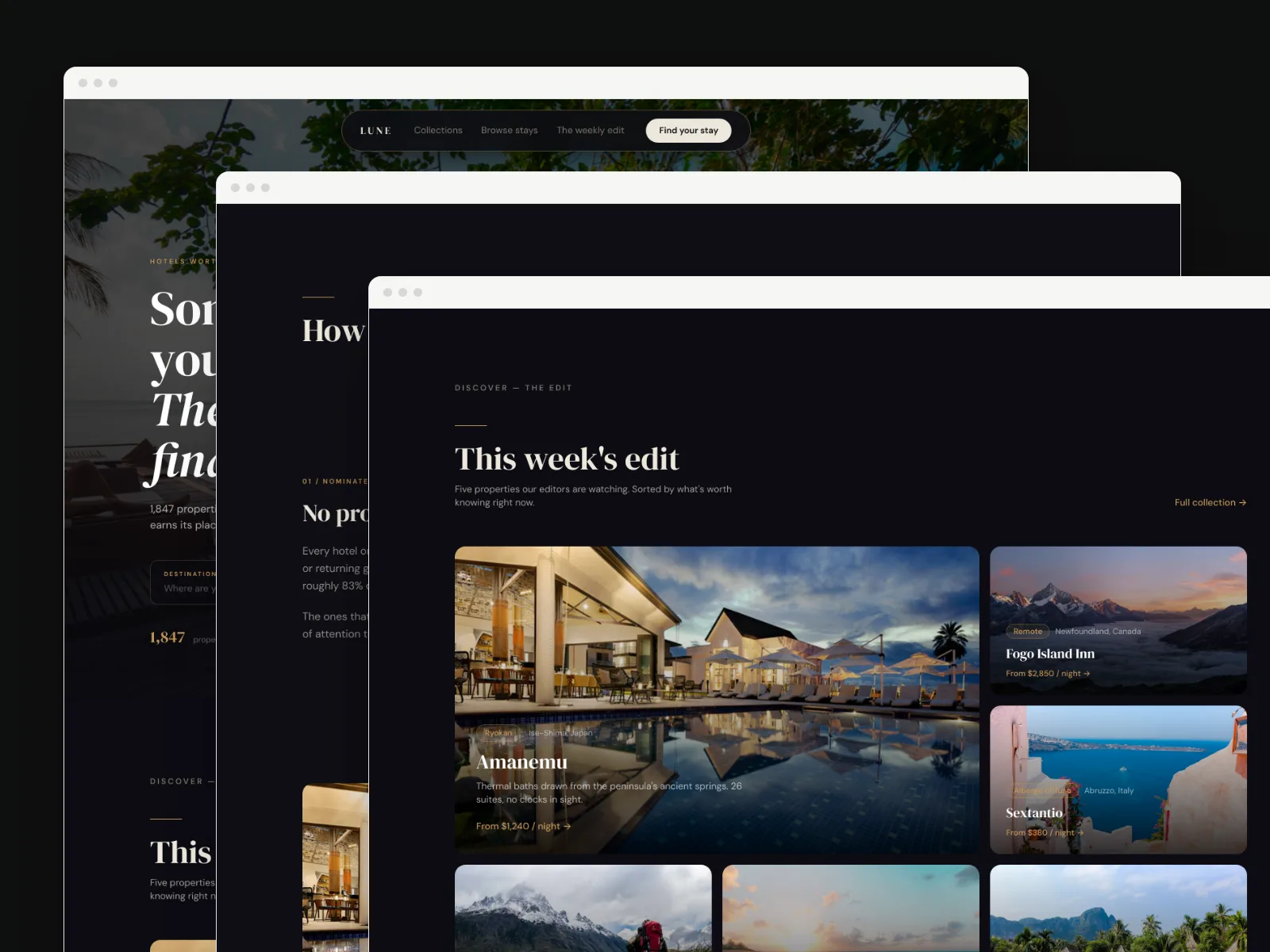
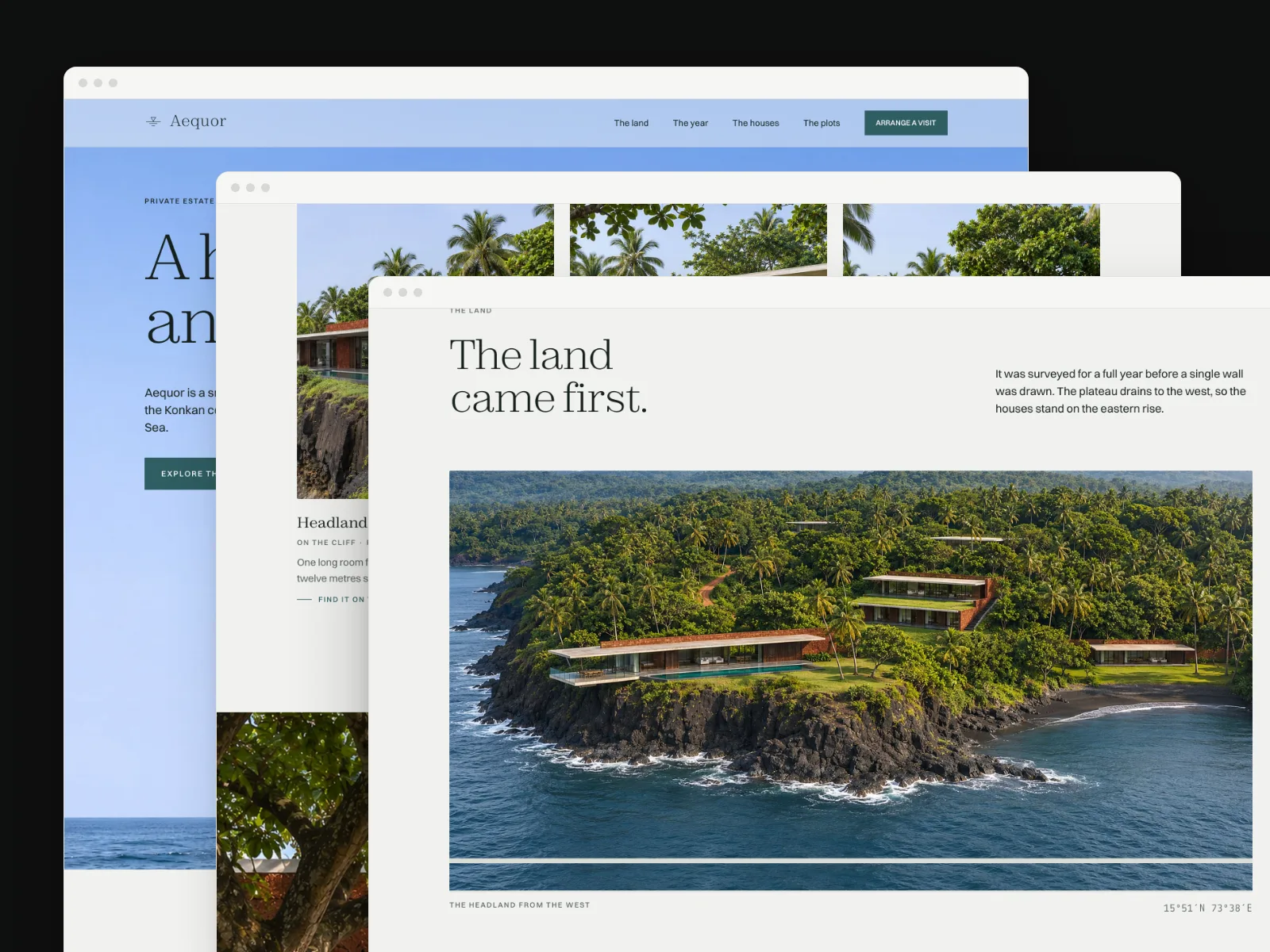
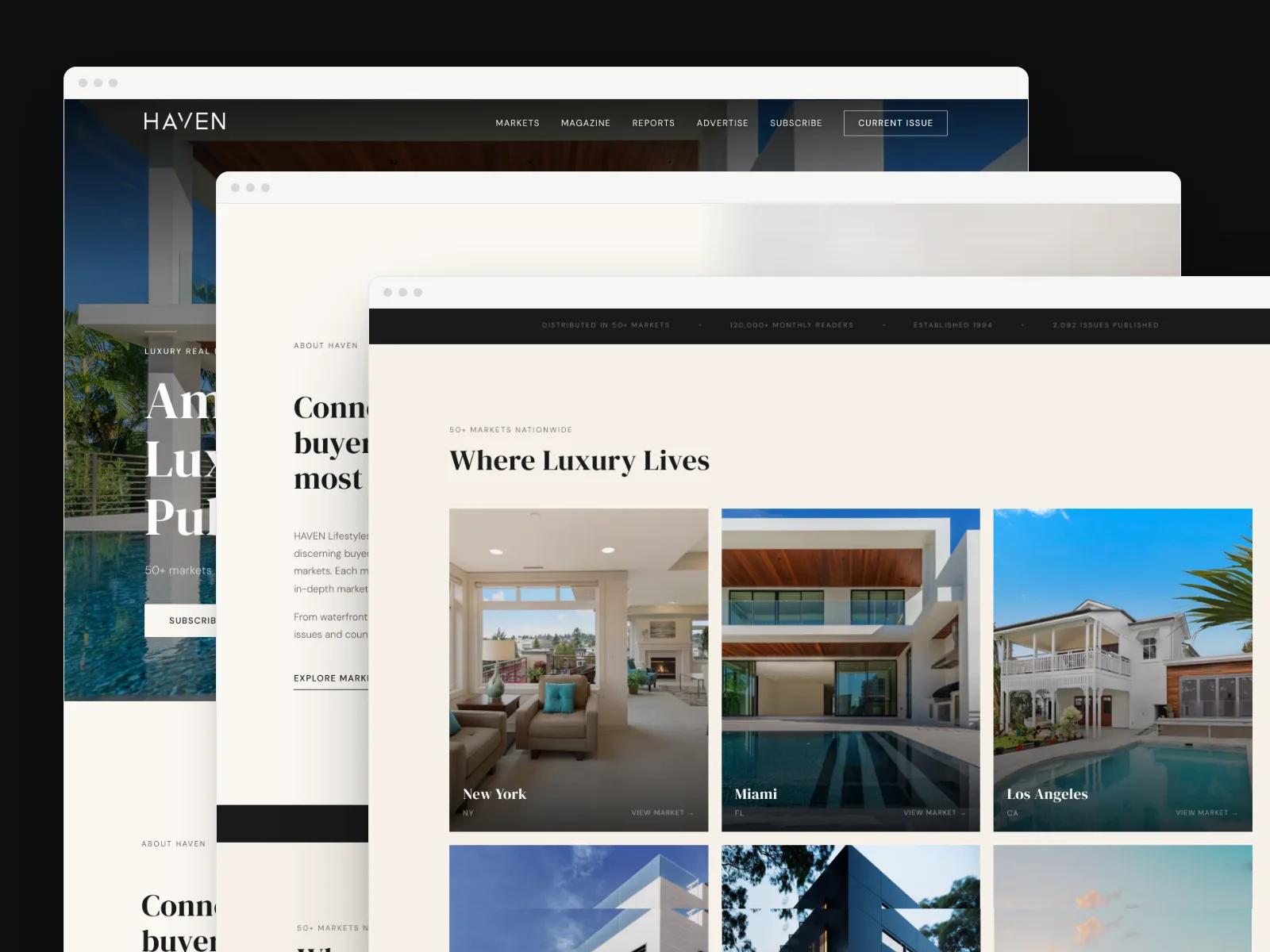 04cascadeHaven
Three sections layered off the edge.
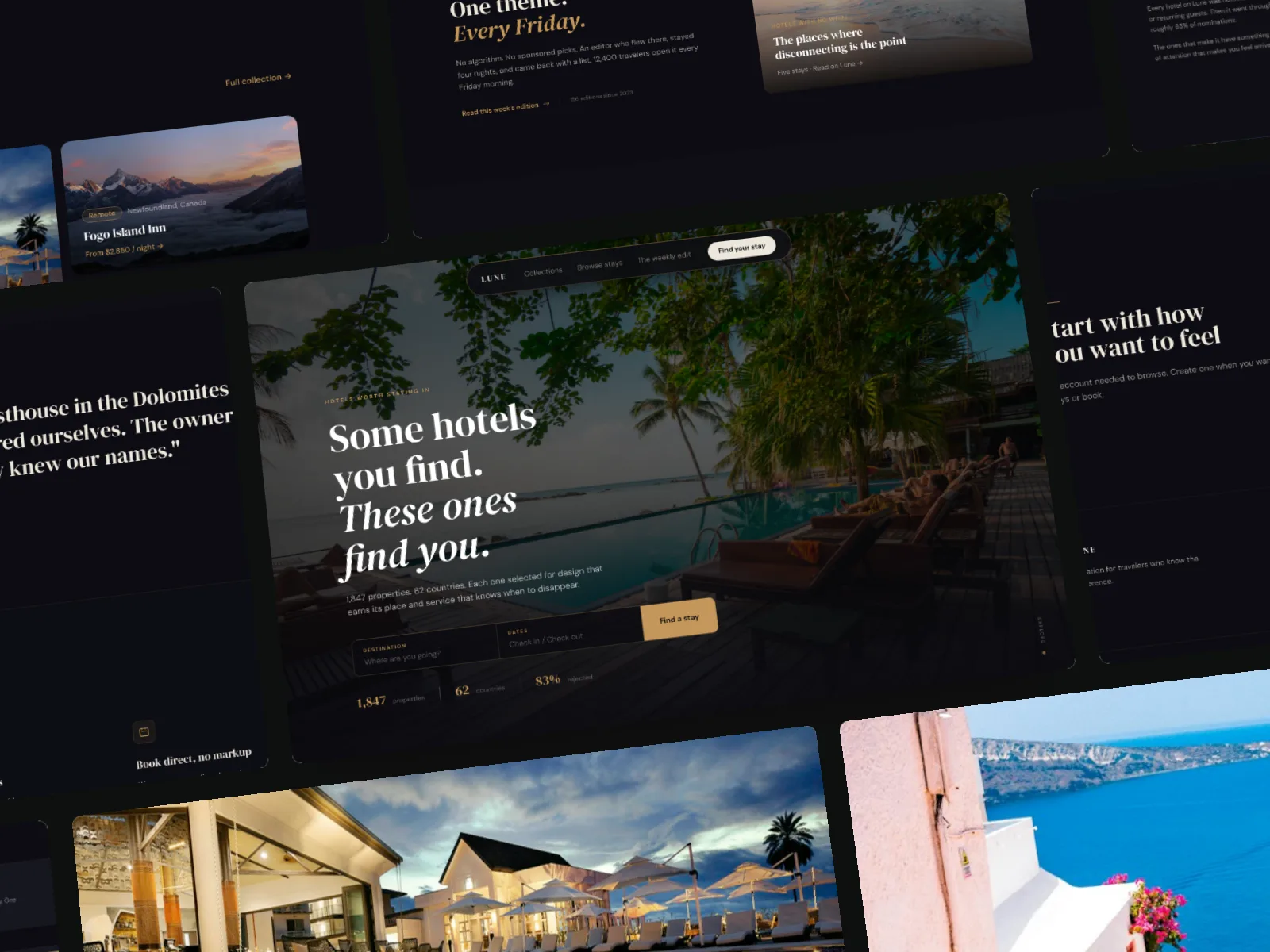
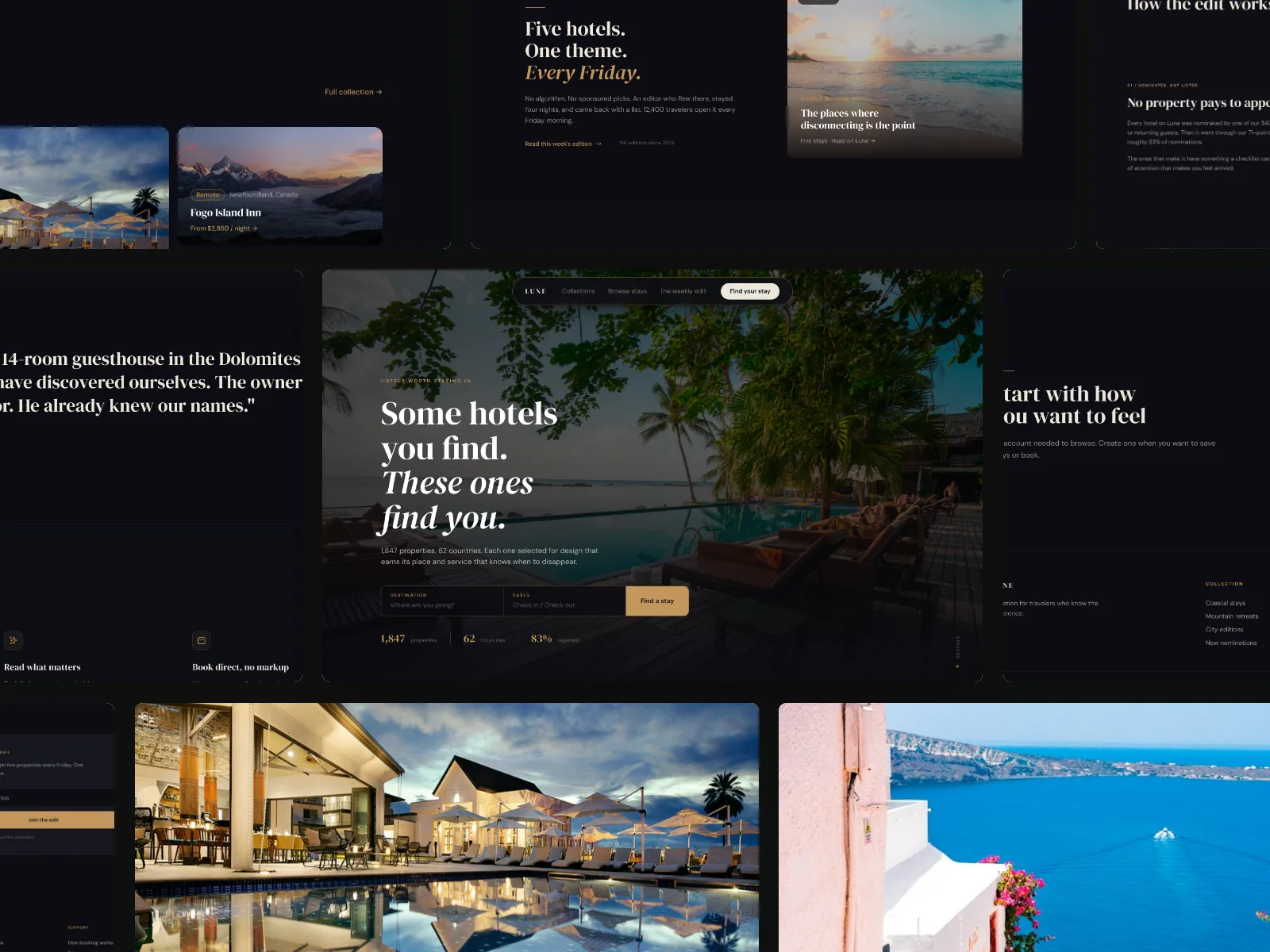 05overview-gridLune
The whole design as a staggered mosaic.
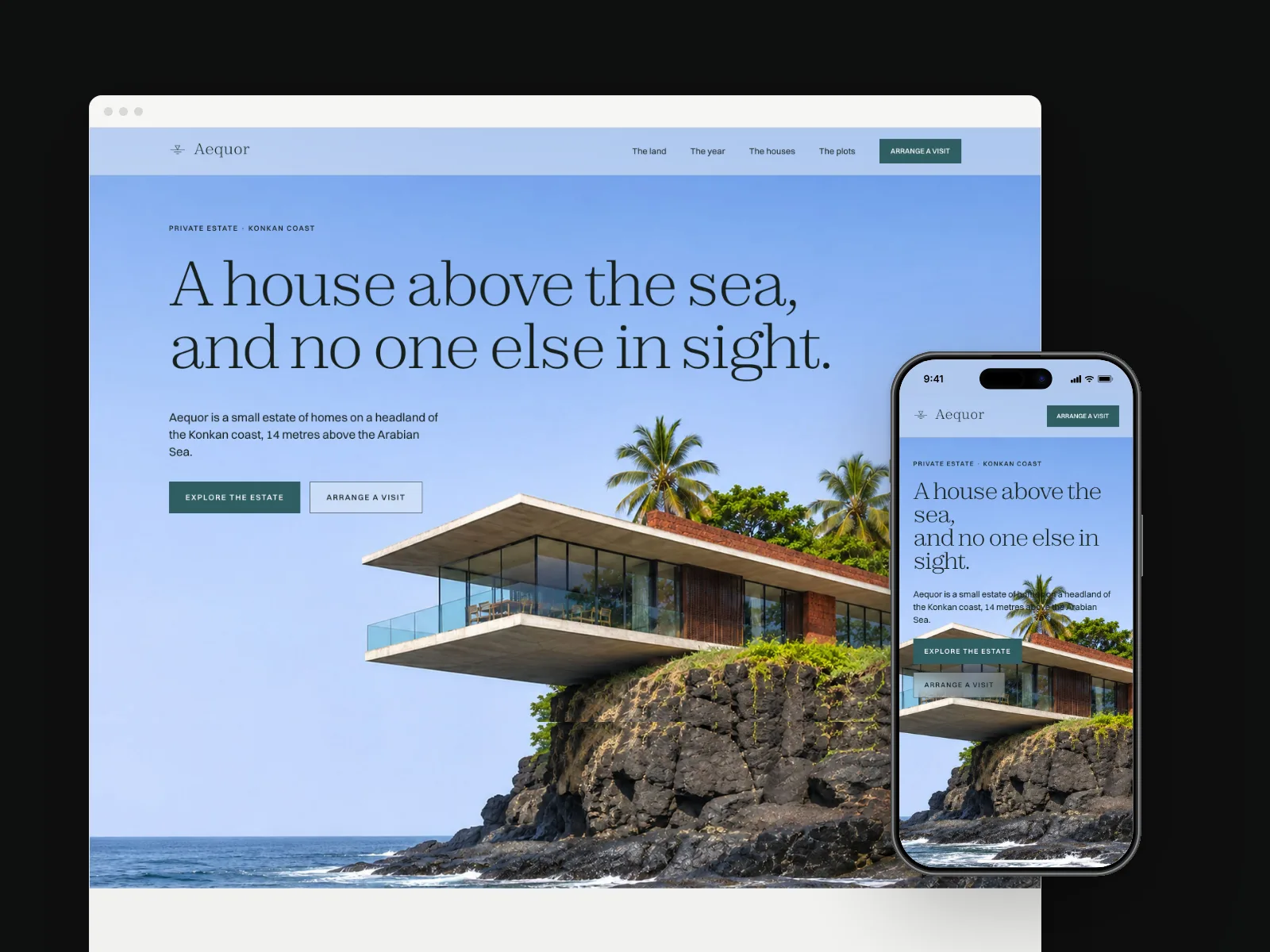
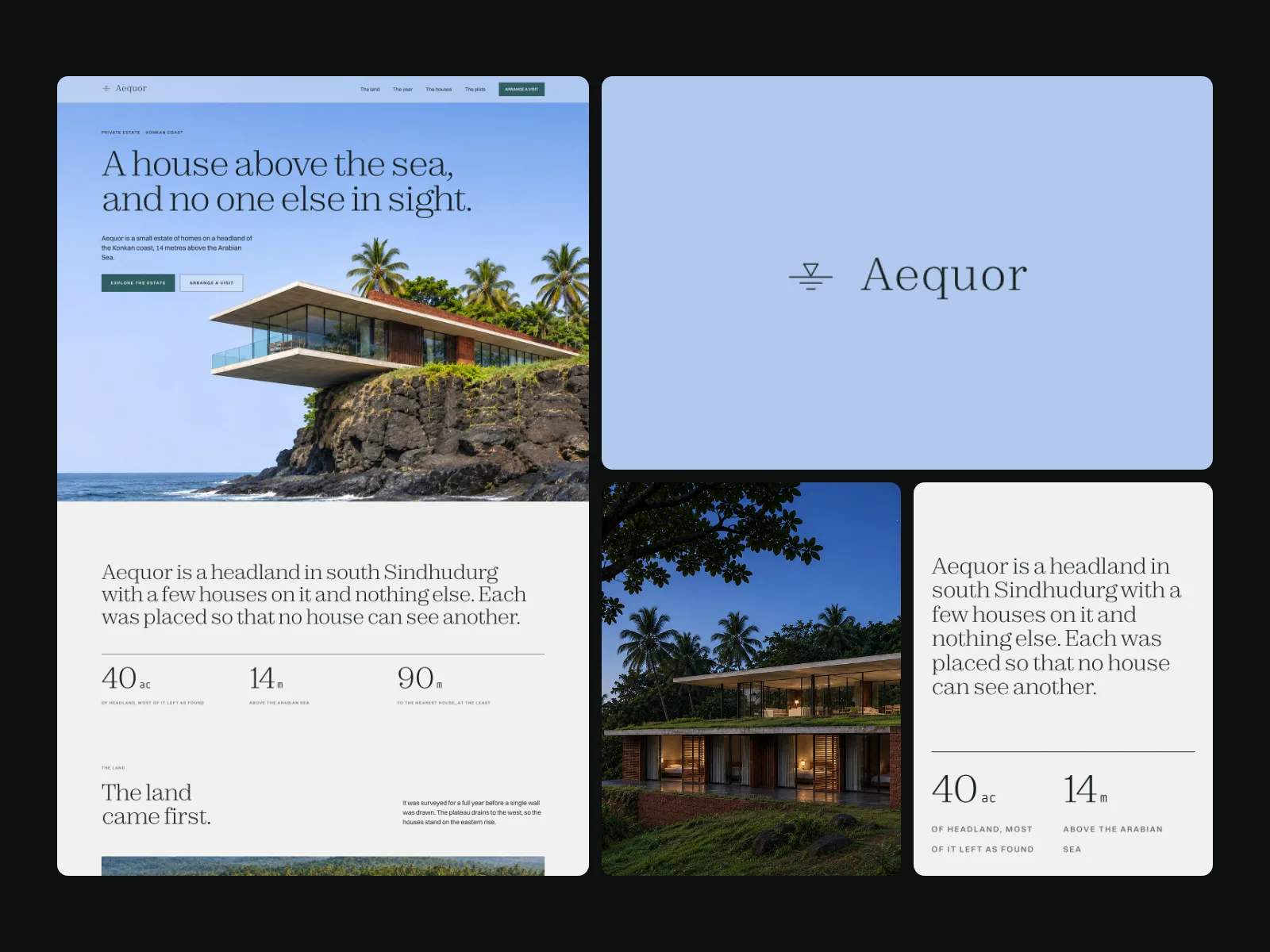 06brand-splitAequor
The page beside its own logo and photo.
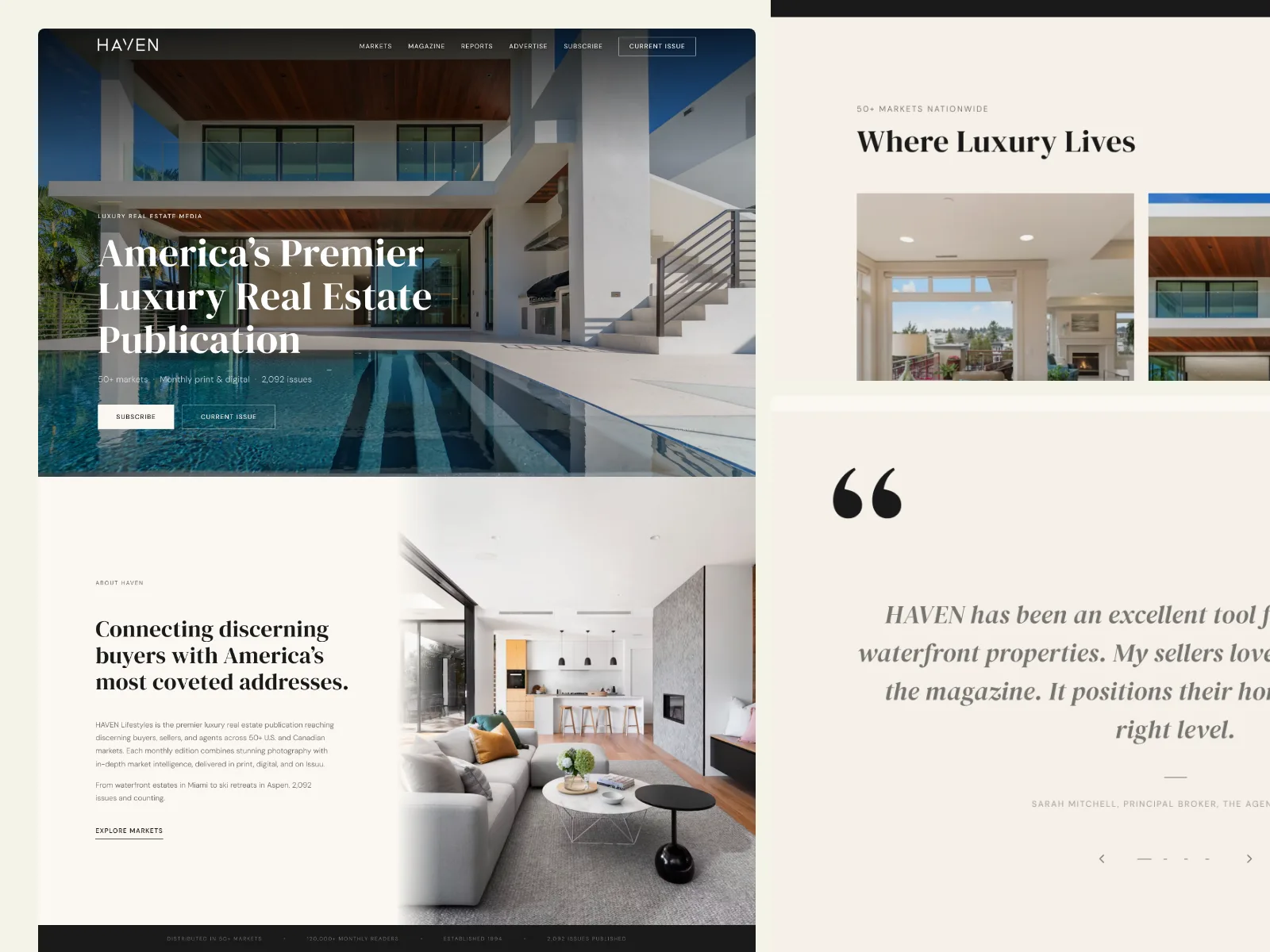 07editorialHaven
A lead column and two larger sections.
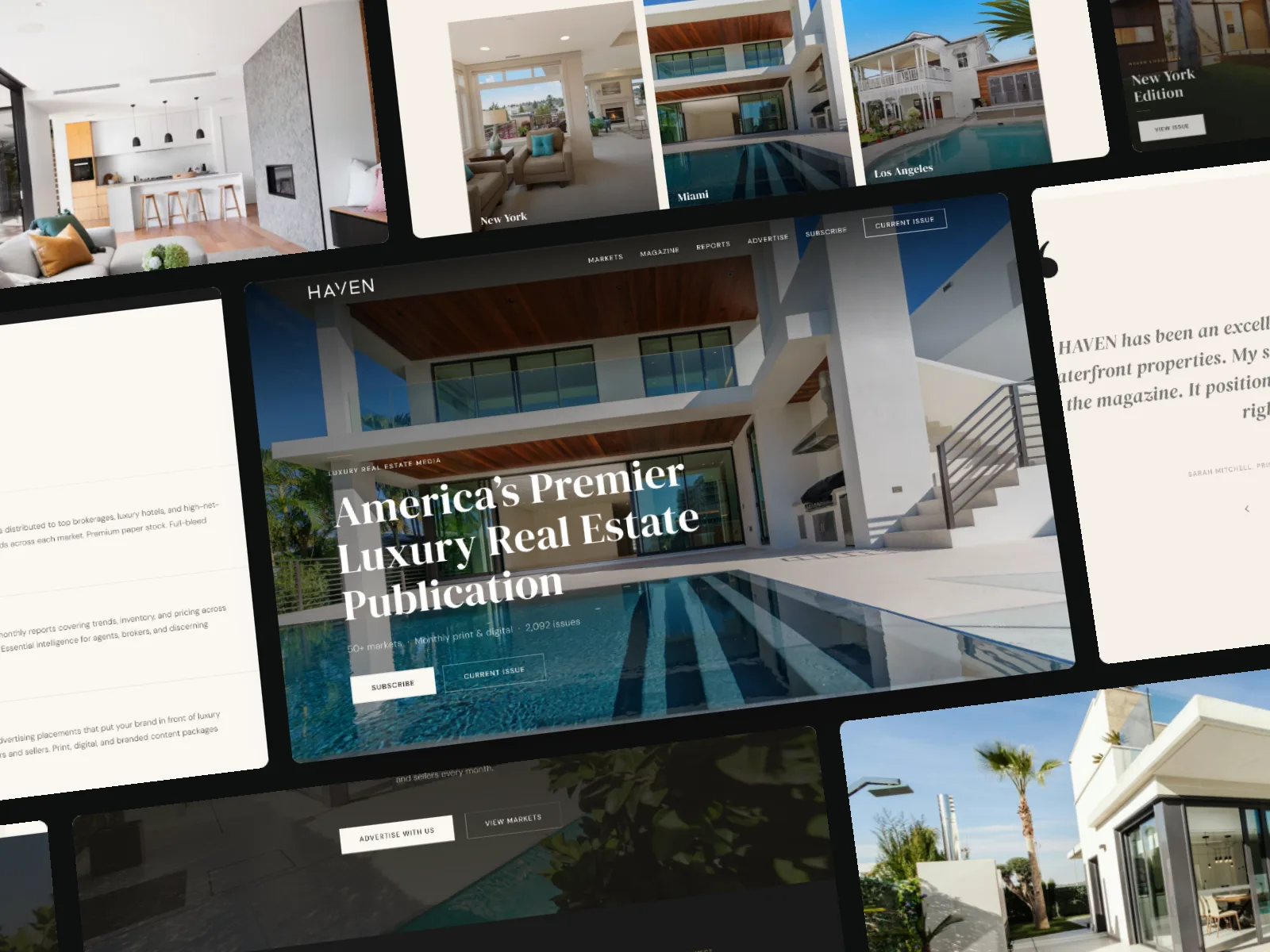 08tiltHaven
The mosaic, turned and leaning back.
05 · Every size
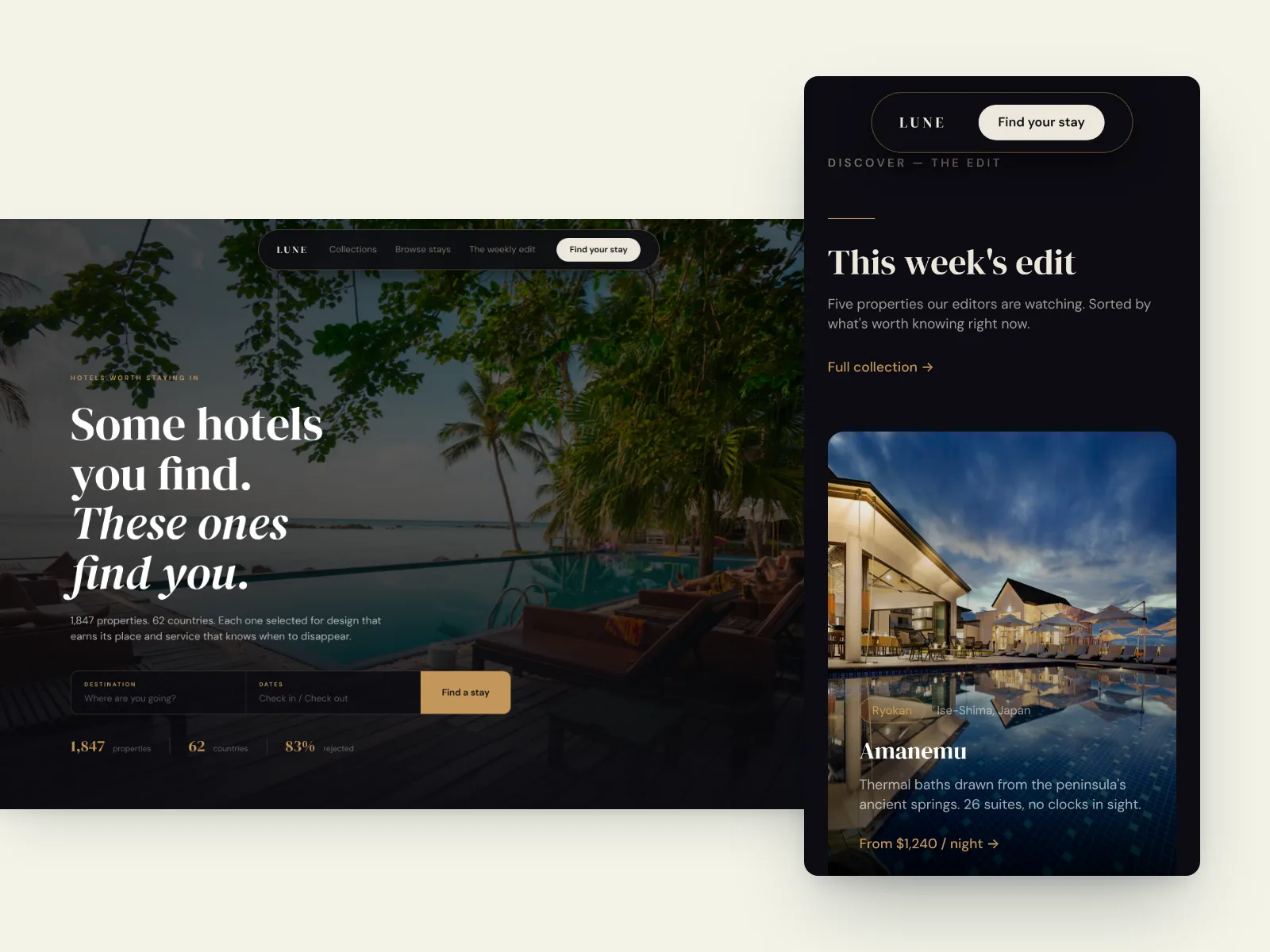
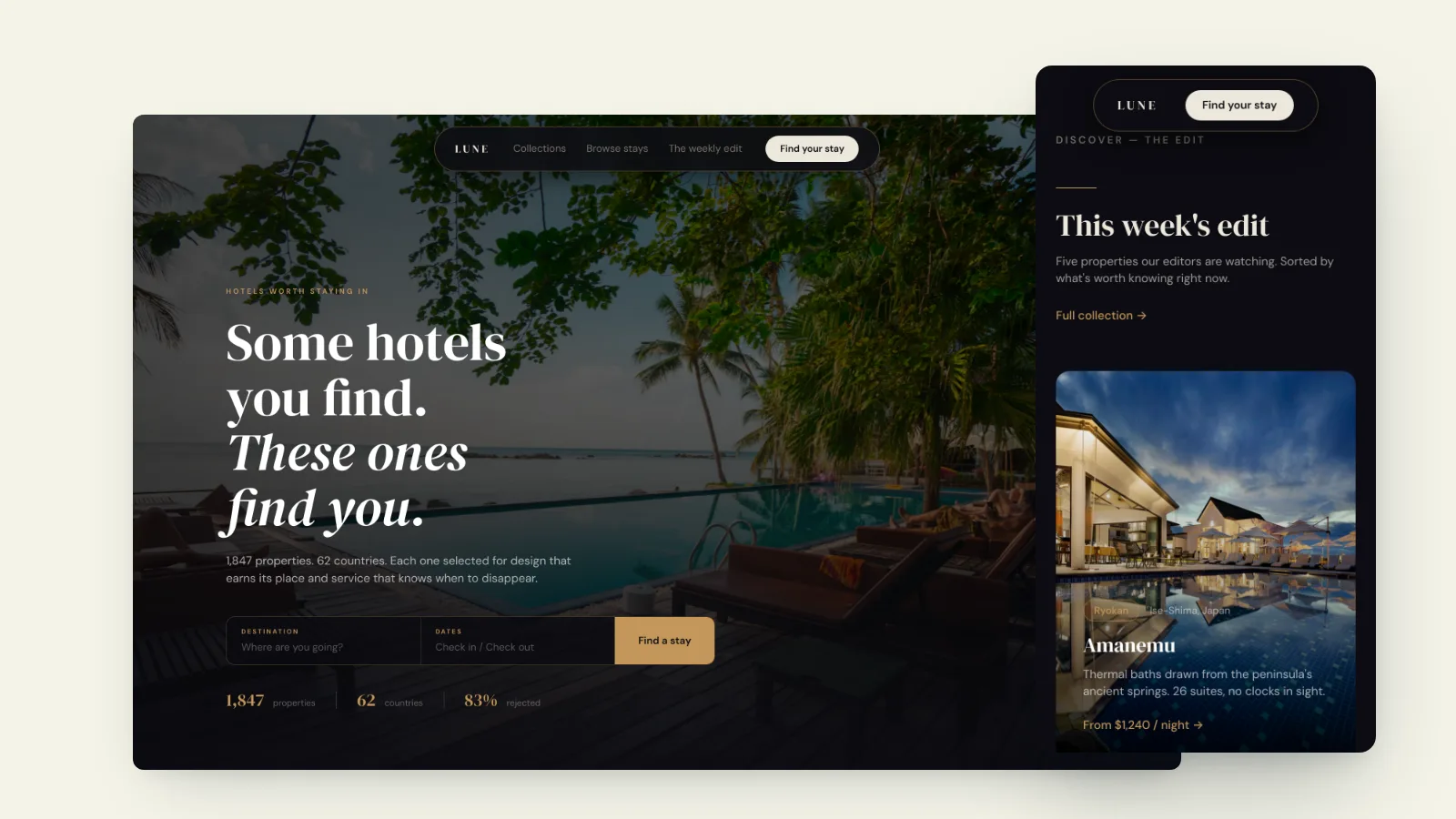
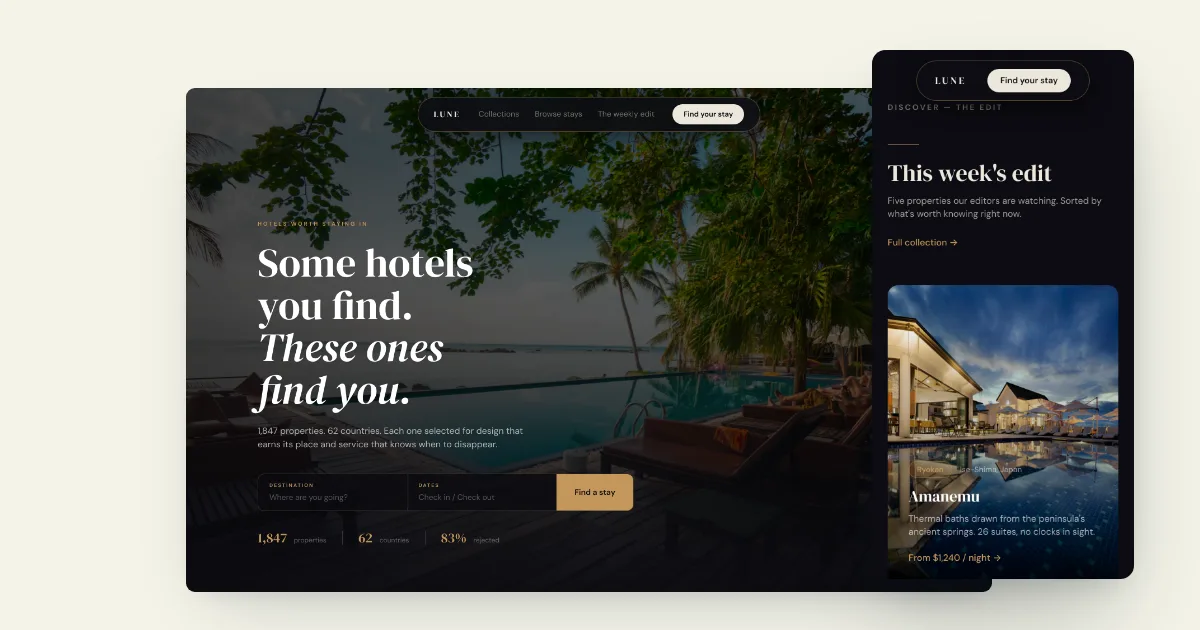
One render, three sizes.
Each size is laid out for its own shape, so nothing is squeezed or cut off. Shown here: Lune, a hotel site designed by Raja.
06 · Make it yours
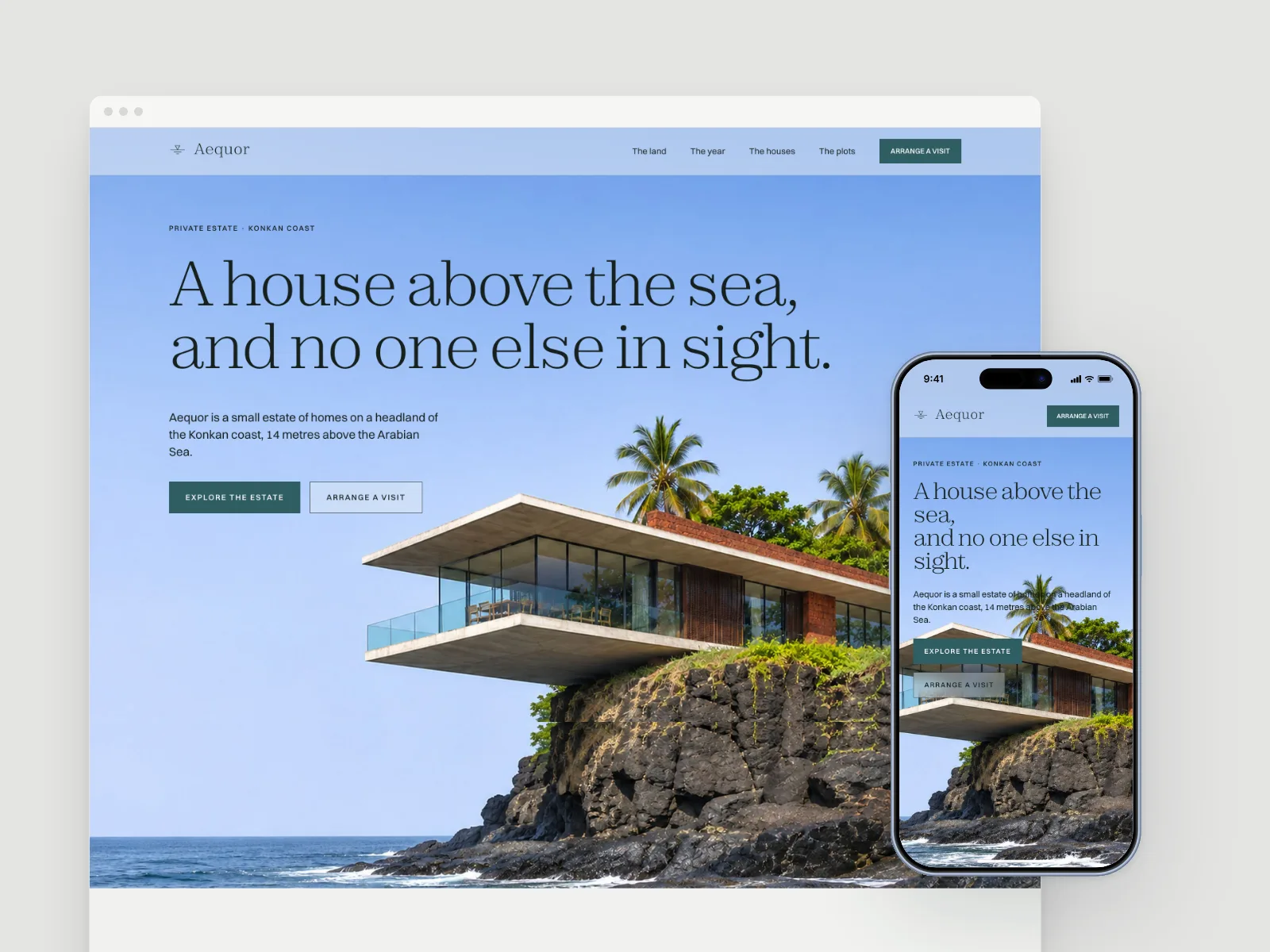
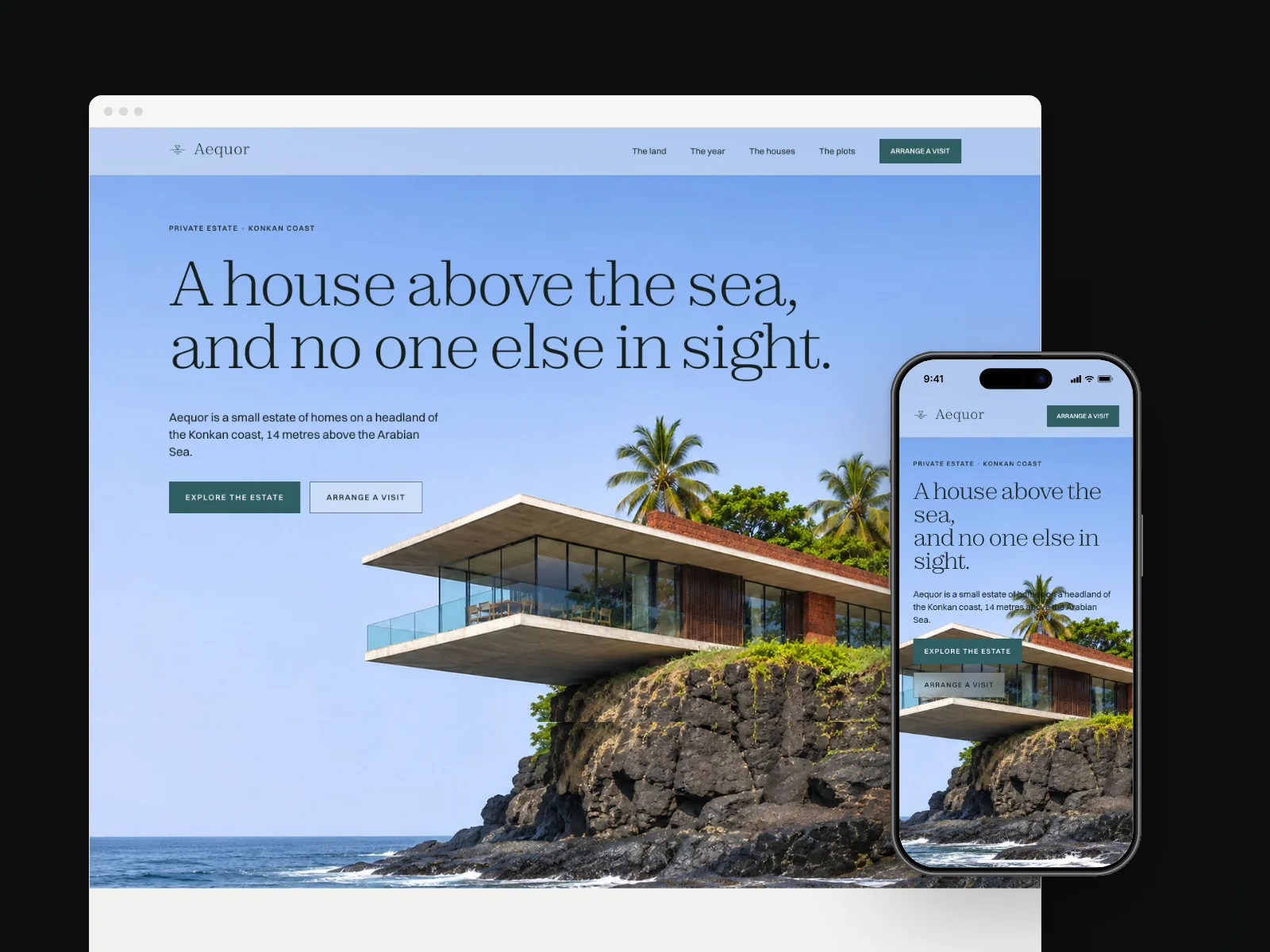
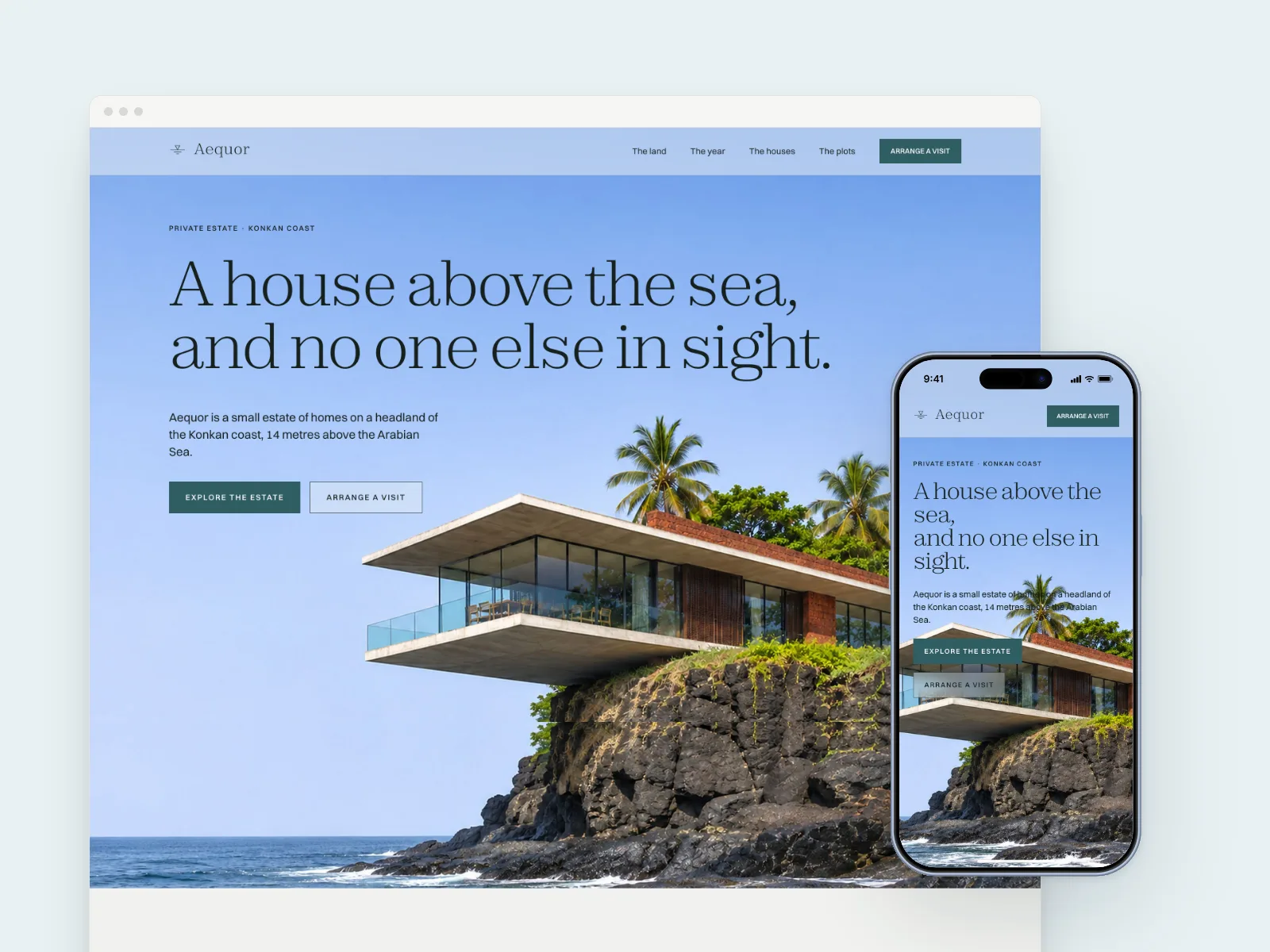
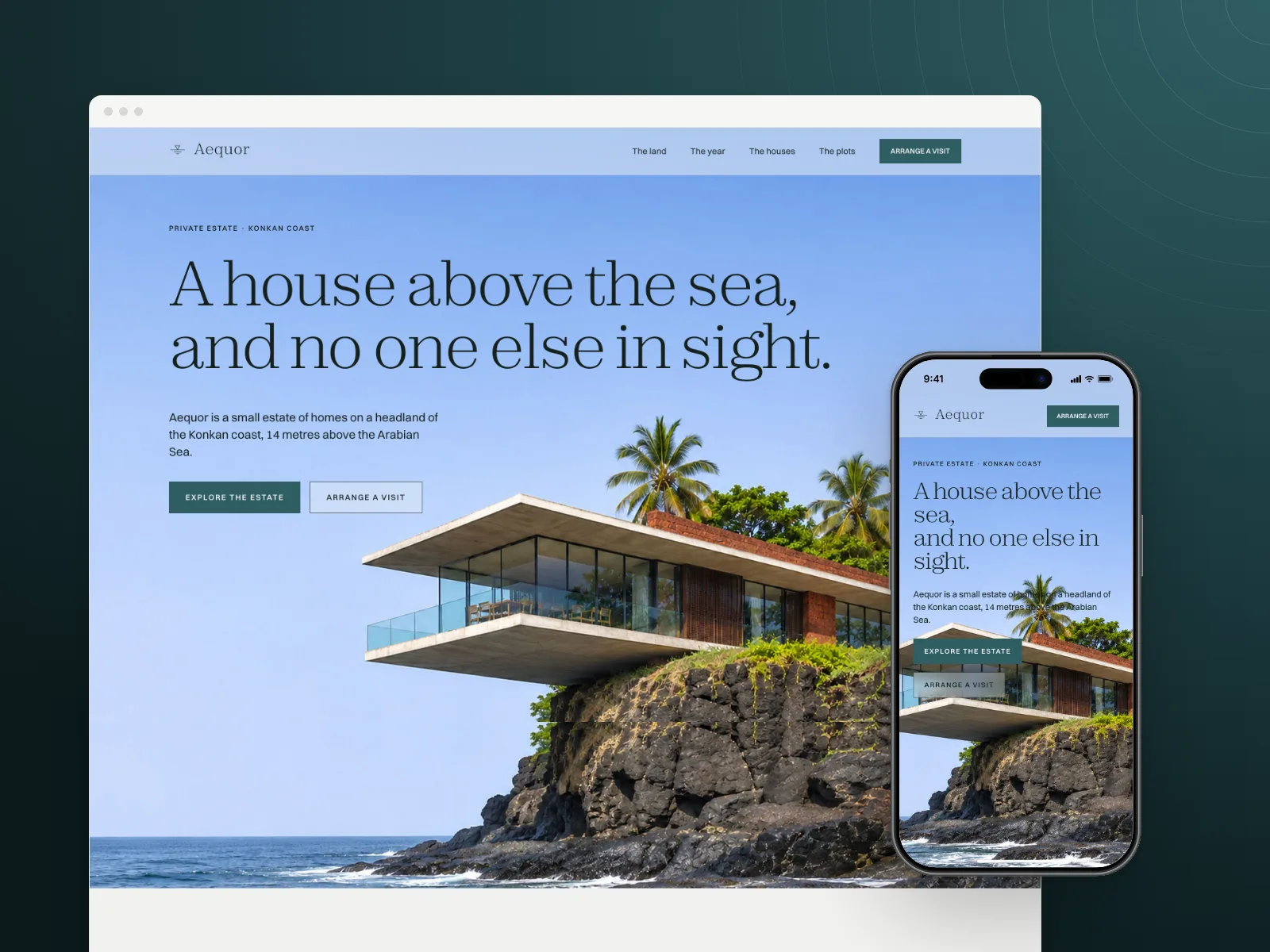
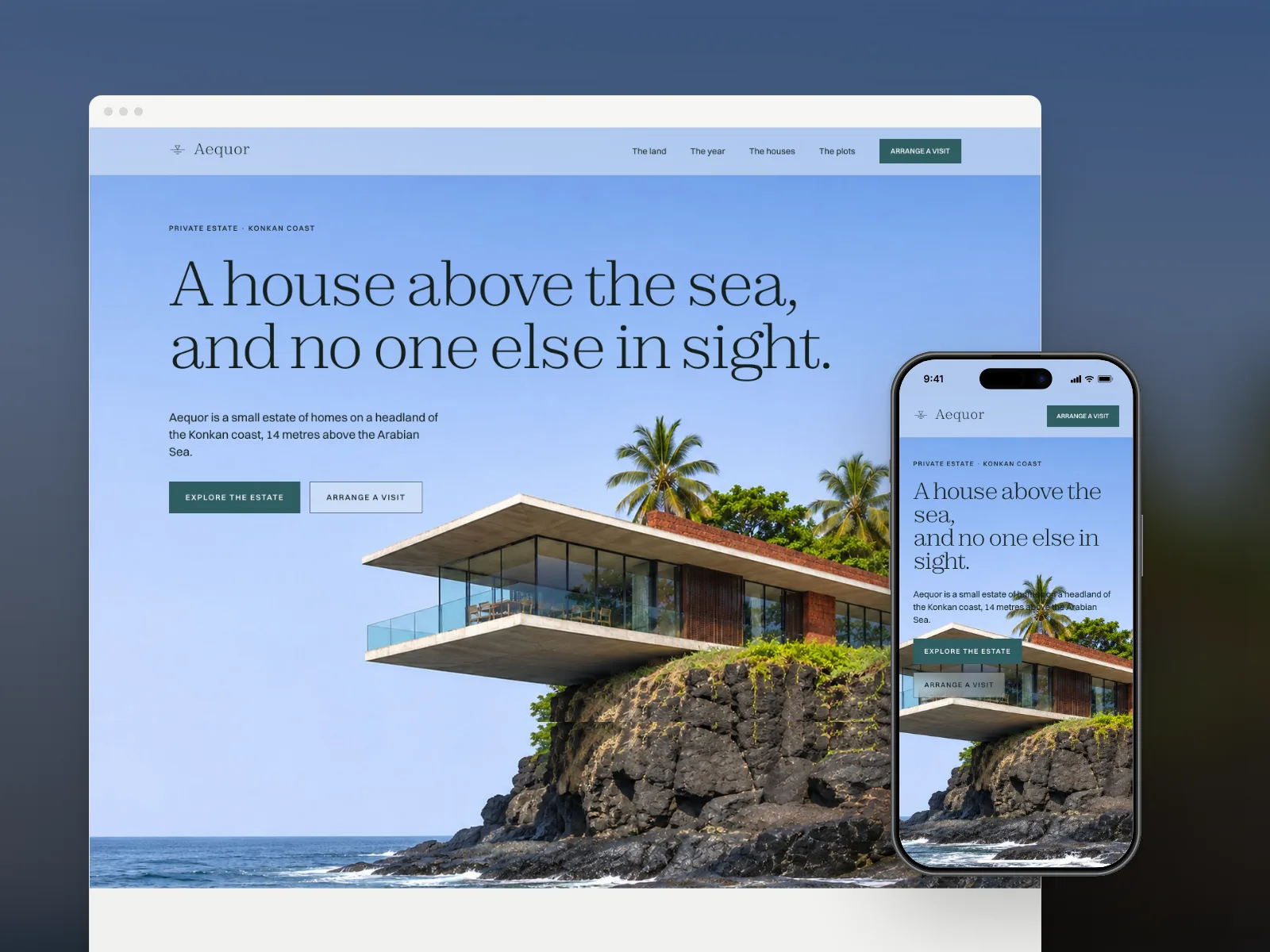
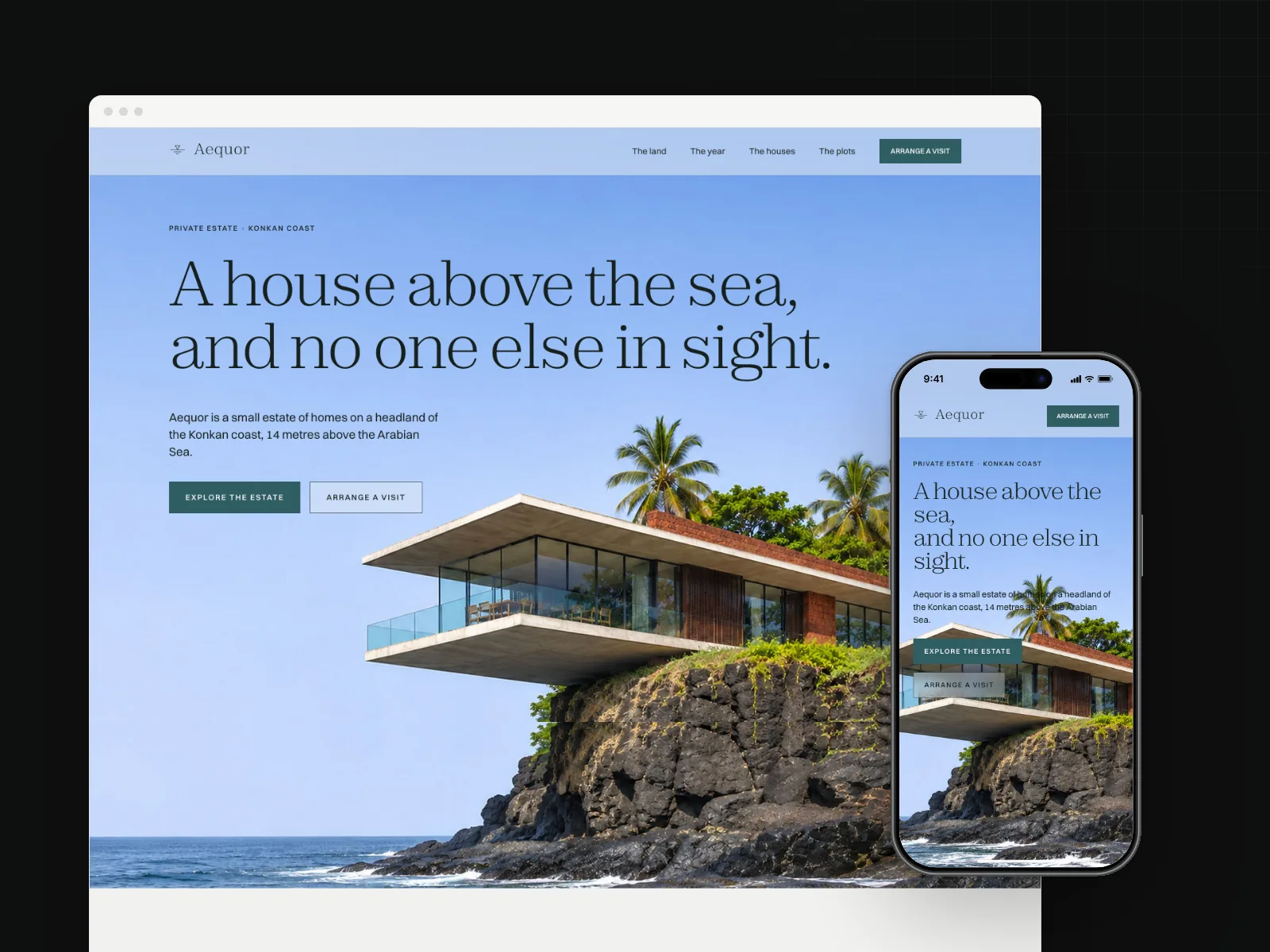
One cover, any ground.
Choose from 11 ground types, from flat colour to gradients, tints and your own photos. Add one of 5 overlays. Light or dark.
Six of the 11 grounds
07 · Mobile
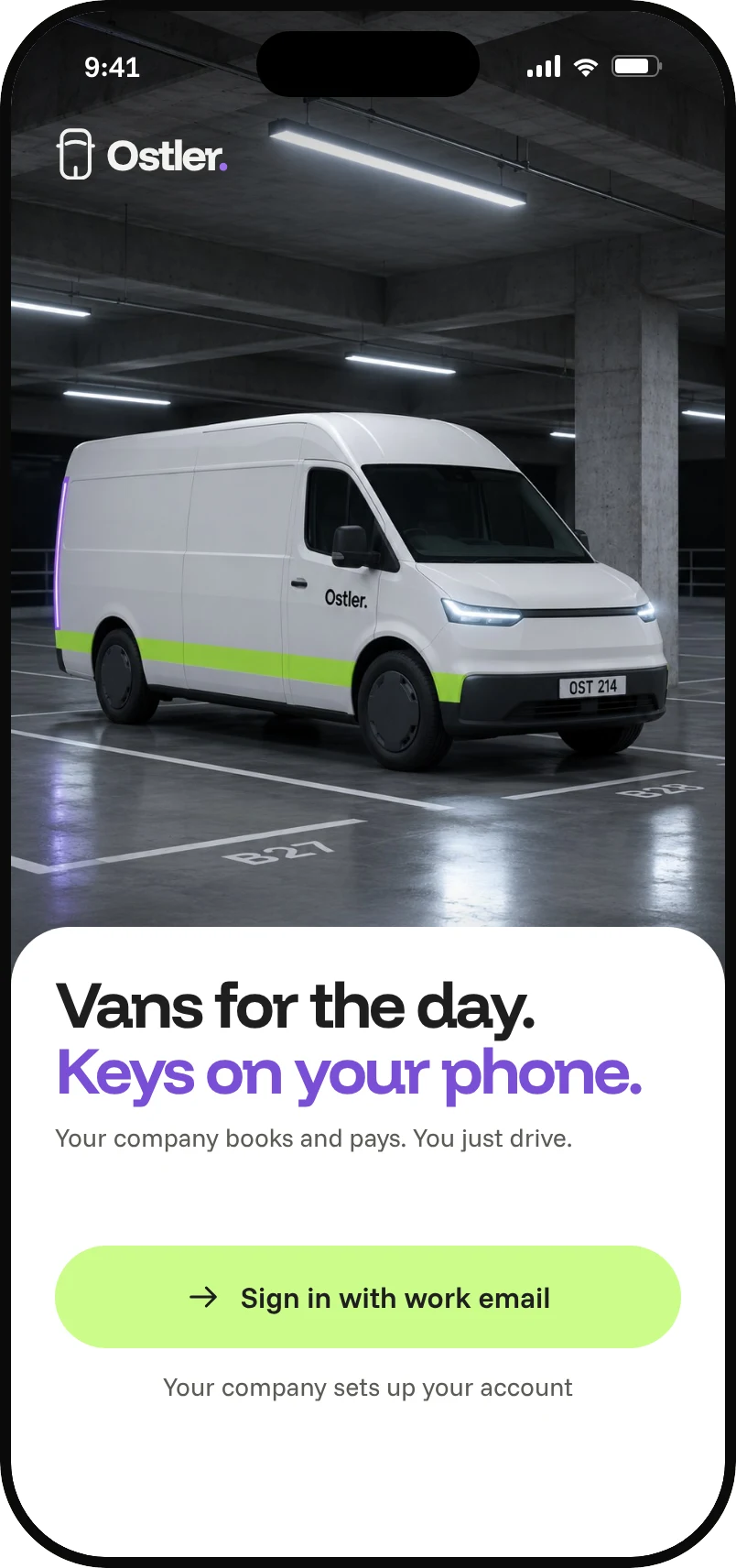
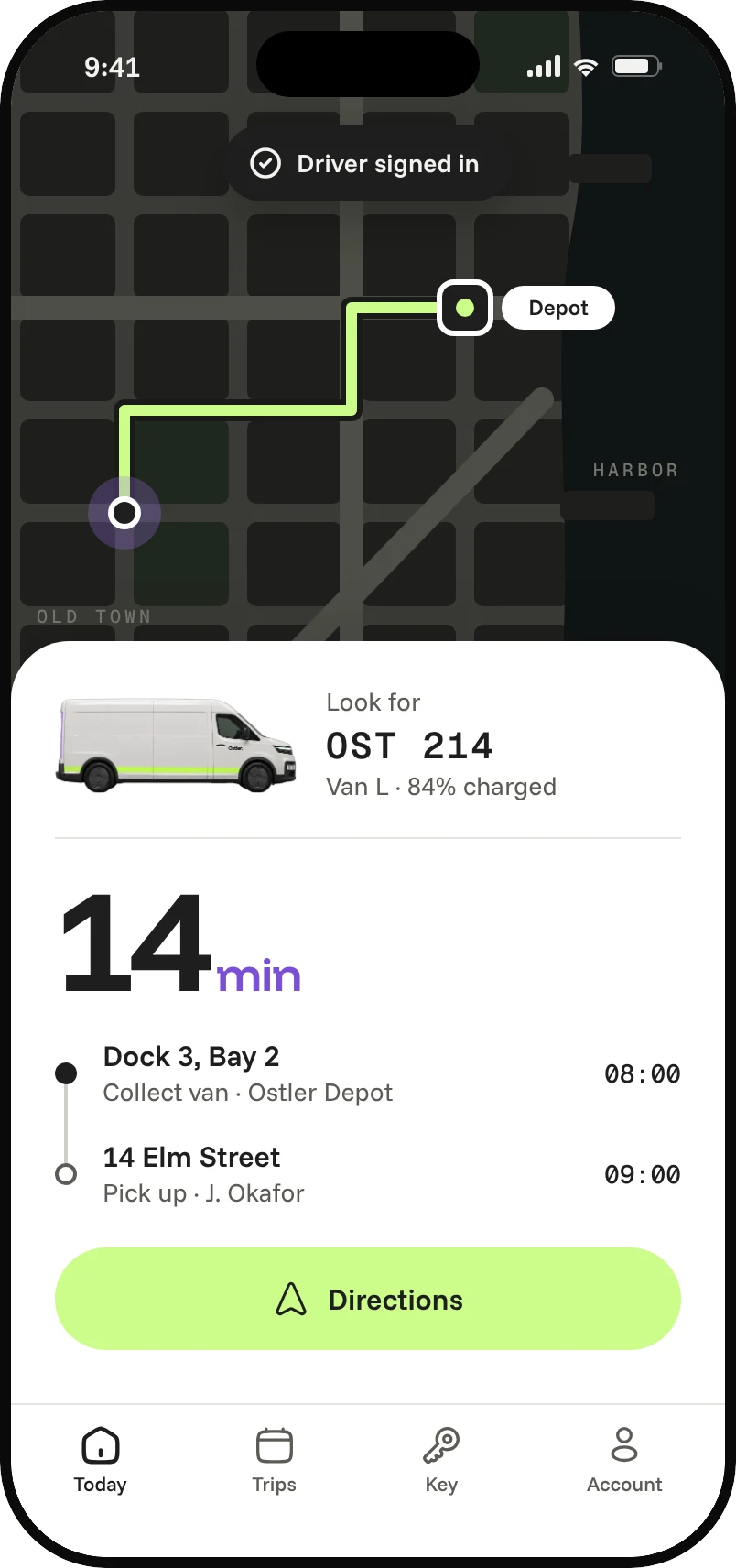
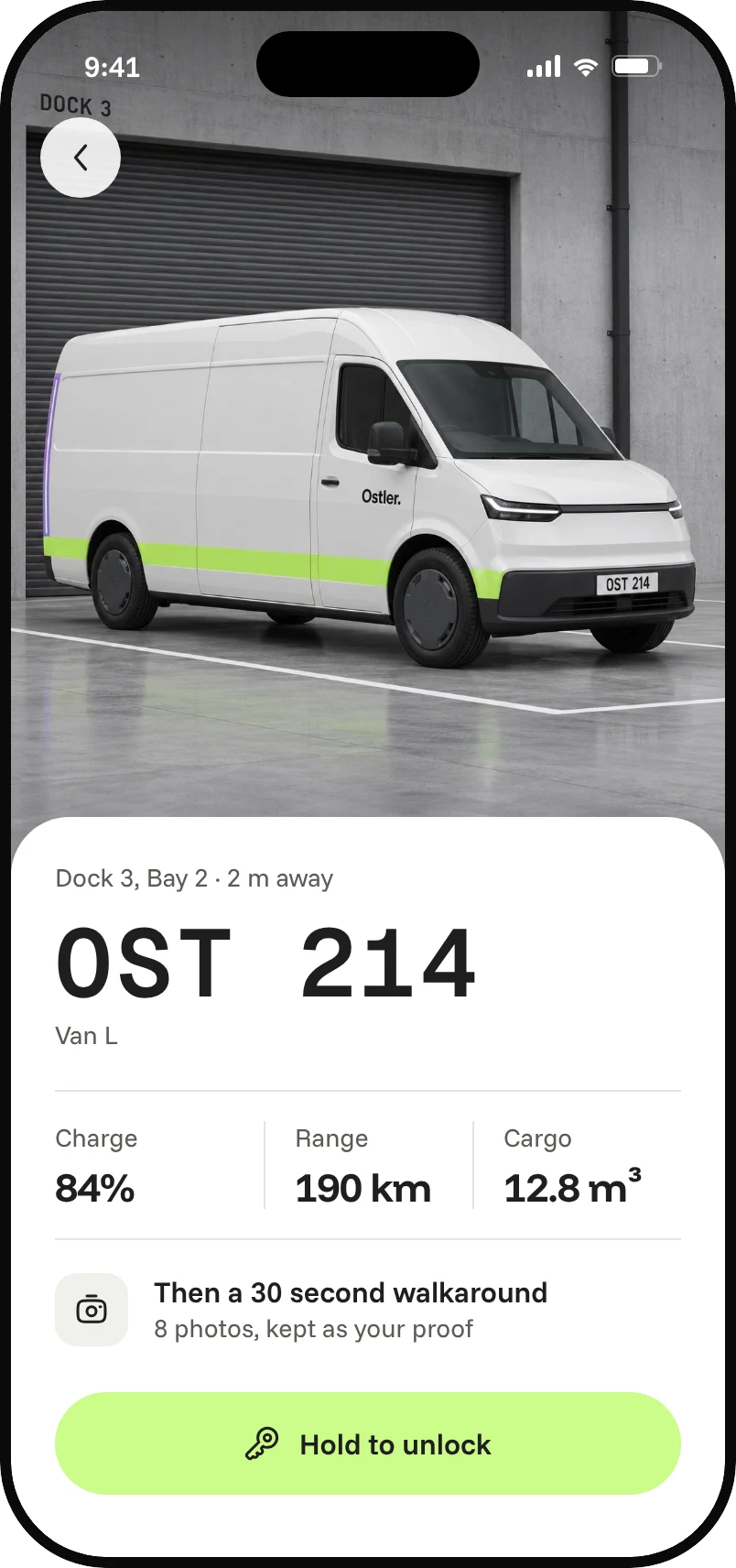
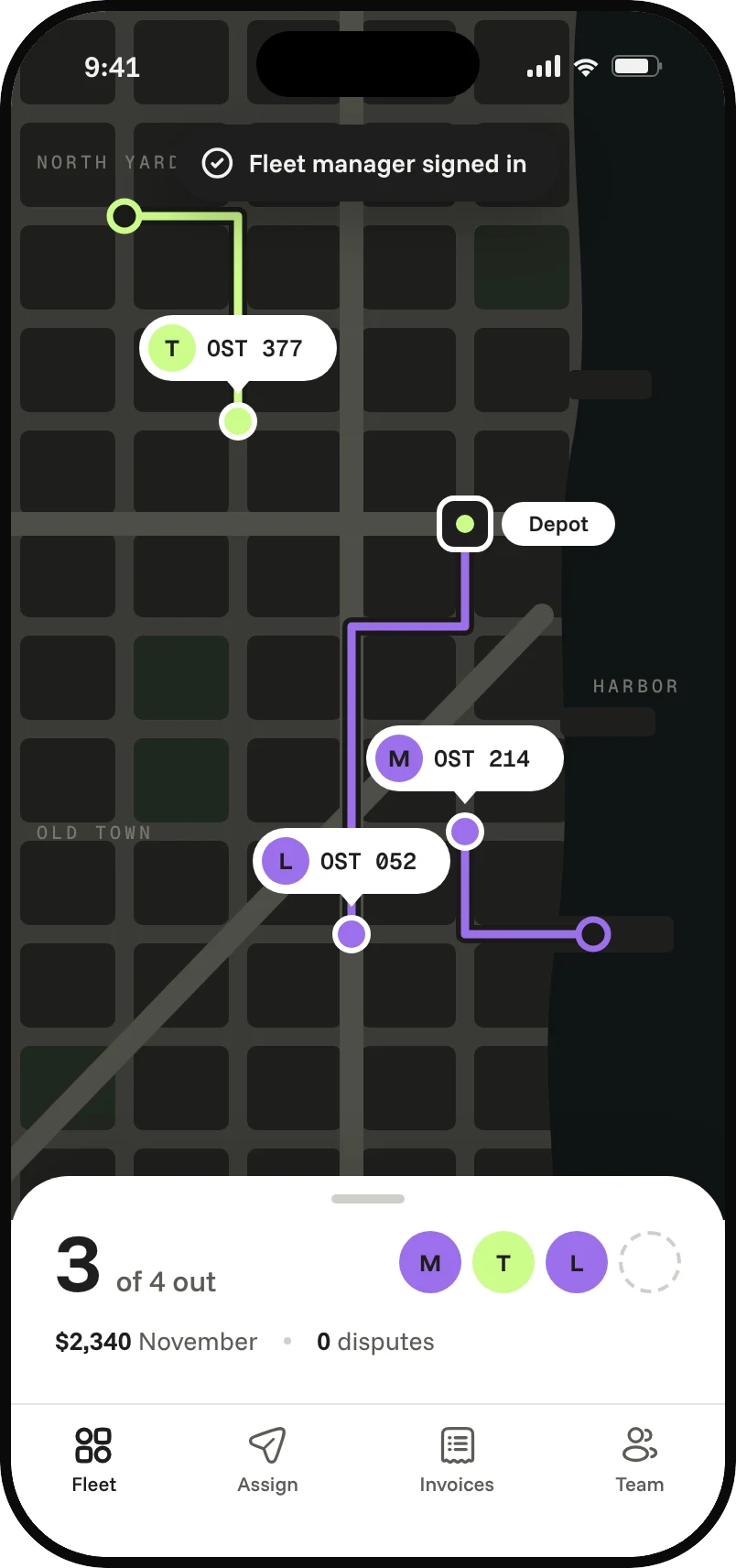
Real phones. Real screens.
Phone screens are captured at each device's true viewport, in light and dark. These are from Ostler, a fleet van rental app designed by Raja.
08 · Open source
Open source. Yours to run.
MIT licence, yours to change. It needs Node 20 and Chrome, nothing else. No account, no API key, no server.
- 18Tested patterns
- 7Device frames
- 3Sizes per render
- 11Ground types
- 5Overlays
- 2Themes
Device frames come from react-mockframe (MIT). Status bar icons come from Ionicons and Material Icons.
09 · About
Made by Raja.
I'm a product designer with 18 years across enterprise AI, SaaS, fintech and logistics. I design and build new concepts most weeks, and each one needs covers before I can post it.
I kept rebuilding the same frames by hand, size after size. cover-studio is the tool I made to stop. It is open source.
Everything shown on this page is my own work: Aequor, Haven and Lune on the web, Ostler on the phone.
Make your next cover.
Clone it, point it at your design and render. The first covers are a few minutes away.
Get it on GitHub$ git clone https://github.com/rx4u/cover-studio$ cd cover-studio && npm install$ npm run cover -- init my-design$ npm run cover -- render cover.config.ts